

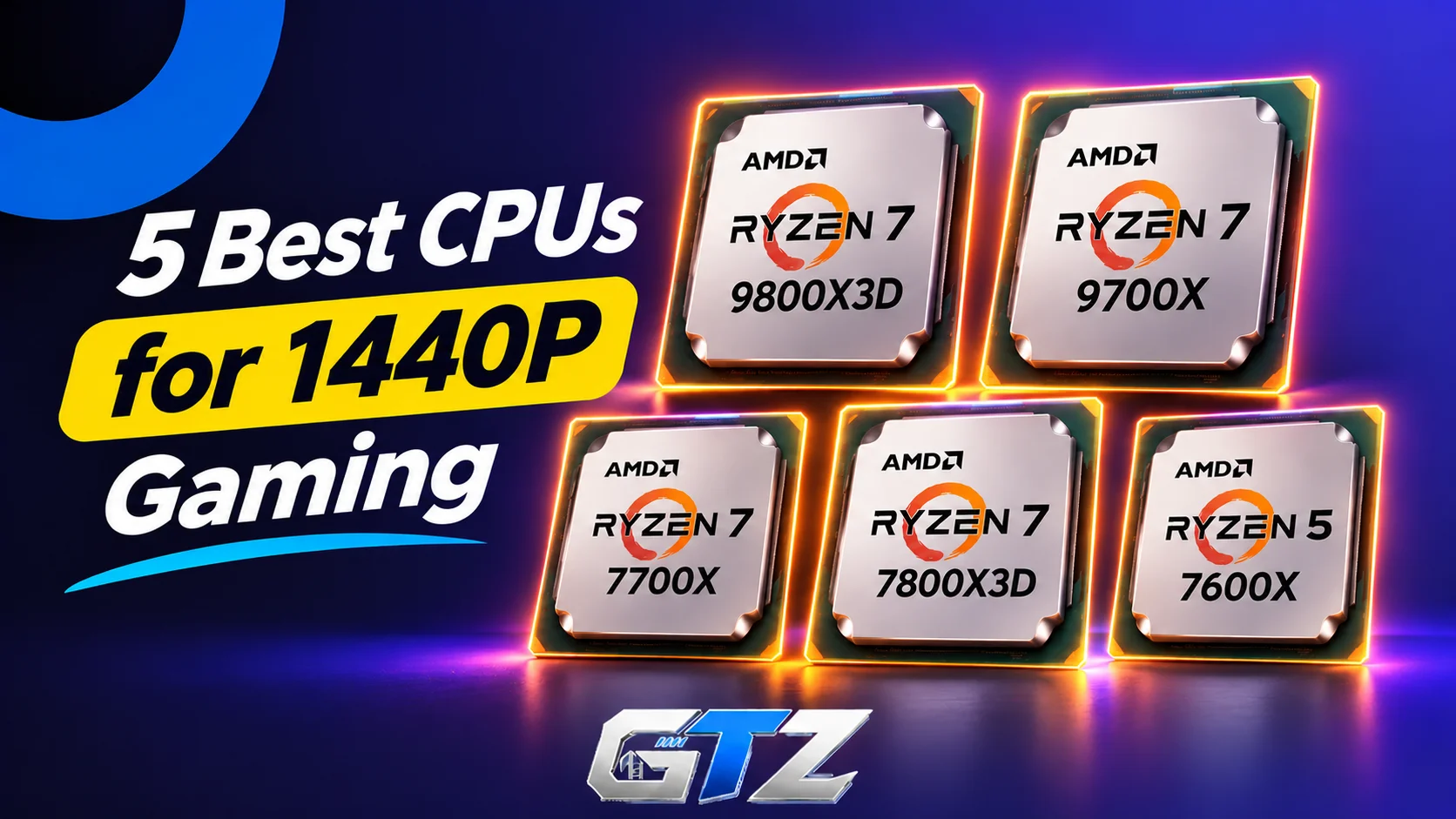
You may have heard a myth. At 1440p, all you need is a good GPU. Which is true for the most part, but I completely disagree, because that advice quietly breaks builds. If you want the best CPU for 1440p gaming, choose one that runs smoothly in all the games, not just a single AAA game.
I ranked five Ryzen chips using 1440p results paired with an RTX 5070 Ti. In this, you will learn which CPU fits your budget, what each one does well, and which mistakes to avoid before you spend a dollar.
Does a Good CPU Really Matter for 1440p Gaming?
Yes, it does. At 1440p the GPU carries more of the load, but the CPU still sets your frame pacing, your 1% lows, and how fast game worlds load. A weak CPU will not cap every game, but it will cap some, and you will feel it.
The common advice says 1440p is a GPU-only resolution. That is true for heavy AAA titles at Ultra settings. It stops being true the moment you launch something else.
Where the CPU Still Decides Your Experience?
- Games Built for Lower Resolutions: Many titles were never designed around 1440p or 4K, so they lean on the CPU first.
- CPU-Heavy Games: Minecraft is the classic example. Pair it with a great GPU and a weak CPU, and the world loads slowly and the game stutters.
- Your Whole Library: You will play more than one AAA game. A PC built around a single resolution or a single title ends up compromised everywhere else.
- Future Upgrades: A strong CPU lets you swap in a faster GPU later without rebuilding the platform.
Here is a real scenario I see often. Someone buys an RTX 5070 Ti, saves money on a basic CPU, and loves it in one AAA game. Then a modded Minecraft world stutters, and they blame the GPU.
My advice is simple. Do not cut the CPU just to chase a higher resolution. Buy a CPU that handles every game you play, then let the GPU handle the pixels.
You can read our guide for a deeper knowledge of whether a CPU or GPU is more important for gaming.
How I Choose These CPUs?
I picked these five CPUs by comparing independent reviews, community reports on forums, and 1440p results with each chip paired with an RTX 5070 Ti. I chose each CPU for a clear use case, plus one all-rounder that works with every modern GPU.
What I Looked At?
- 1440p Frame Rates: Real game results at the settings shown in each table, with upscaling and frame generation labeled.
- Why the RTX 5070 Ti: It is a widely recommended card for 1440p, so it shows what each CPU can feed.
- One Shared Platform: All five CPUs use the AM5 socket, so you can upgrade later without changing the motherboard.
- Budget Fit: I covered a top pick, a value pick, and three options in between.
One Caution Before You Read the Numbers: FPS changes with the game scene, RAM speed, cooling, and driver version. Treat each table as a guide to relative performance, not a promise.
5 Best CPUs for 1440p Gaming
| CPU | Cores / Threads | Boost clock | L3 cache | TDP | Launch MSRP | Best for |
|---|---|---|---|---|---|---|
| Ryzen 7 9800X3D | 8 / 16 | 5.2 GHz | 96 MB | 120 W | $479 | Best overall |
| Ryzen 7 7800X3D | 8 / 16 | 5.0 GHz | 96 MB | 120 W | $450 | Best value for X3D |
| Ryzen 7 7700X | 8 / 16 | 5.4 GHz | 32 MB | 105 W | $399 | Solid all-rounder |
| Ryzen 7 9700X | 8 / 16 | 5.5 GHz | 32 MB | 65 W | $359 | Cool, efficient builds |
| Ryzen 5 7600X | 6 / 12 | 5.3 GHz | 32 MB | 105 W | $299 | Tight budgets |
Note: Prices are launch MSRPs, not today’s street prices. Check live prices before you buy, since they change often.
Ryzen 7 9800X3D: My Recommendation
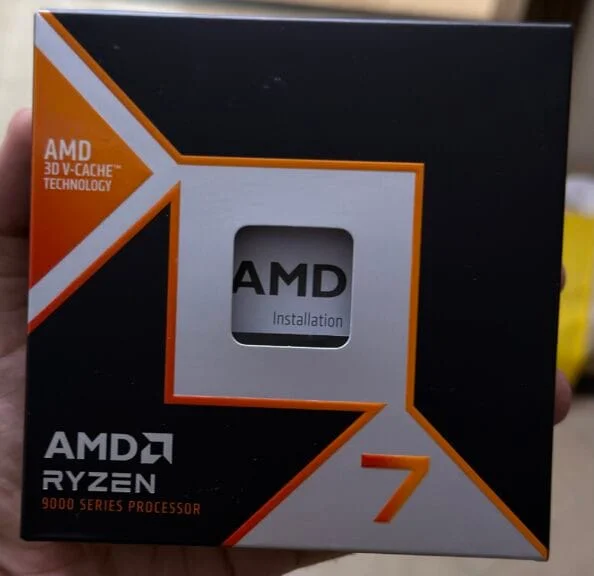
The Ryzen 7 9800X3D is the CPU I recommend for 1440p. It pairs eight Zen 5 cores with 96MB of L3 cache, and it led or tied every shared game in the table below. It also gives you the most headroom for a faster GPU later.
Key specs
- 8 cores, 16 threads, 4.7 GHz base and up to 5.2 GHz boost
- 96MB L3 cache, 120W TDP, $479 at launch
- 3D V-Cache sits under the cores, and the chip is fully overclockable
| Games (1440p) | FPS | Settings |
|---|---|---|
| Resident Evil Requiem | 217 FPS | Ultra |
| Red Dead Redemption 2 | 135 FPS | Ultra |
| Forza Horizon 6 | 85 FPS | Extreme, RT on |
| Crimson Desert | 90 FPS | Cinematic, RT on |
| Black Myth: Wukong | 60 FPS | Cinematic |
These are native results, with no frame generation or DLSS.
Best For
- High-end 1440p builds with an RTX 5070 Ti or faster
- High-refresh players who also play CPU-heavy games
- Anyone who wants the longest upgrade life on AM5
Cons
- It has the highest launch price of the five.
- The 120W TDP calls for a solid cooler, and none comes in the box.
- In GPU-limited games, the lead over cheaper chips is small.
Ryzen 7 7800X3D: Best Pick
The Ryzen 7 7800X3D is my best pick when you want X3D gaming speed without paying for the newest chip. It has the same 8 cores and 96MB of L3 cache as the 9800X3D. In the table below it ties the 9800X3D in Forza Horizon 6 and Black Myth: Wukong.
Key specs
- 8 cores, 16 threads, 4.2 GHz base and up to 5.0 GHz boost
- 96MB L3 cache, 120W TDP, $450 at launch
- Zen 4 architecture on AM5, with no overclocking support
| Games (1440p) | FPS | Settings |
|---|---|---|
| Forza Horizon 6 | 85 FPS | Extreme, RT on |
| Black Myth: Wukong | 60 FPS | Cinematic |
| Red Dead Redemption 2 | 110 FPS | Ultra |
| Resident Evil Requiem | 215 FPS | Ultra |
| ARC Raiders | 100 FPS | Cinematic |
These are native results, without frame generation or DLSS.
Best For
- Gamers who want near-top 1440p results on a tighter budget
- Builders who care more about FPS per dollar than the last 10%
Problems
- It trails the 9800X3D in Red Dead Redemption 2 (110 vs 135 FPS).
- The launch price gap is only $29. If the gap is small on the day you buy, get the 9800X3D instead.
Ryzen 7 7700X
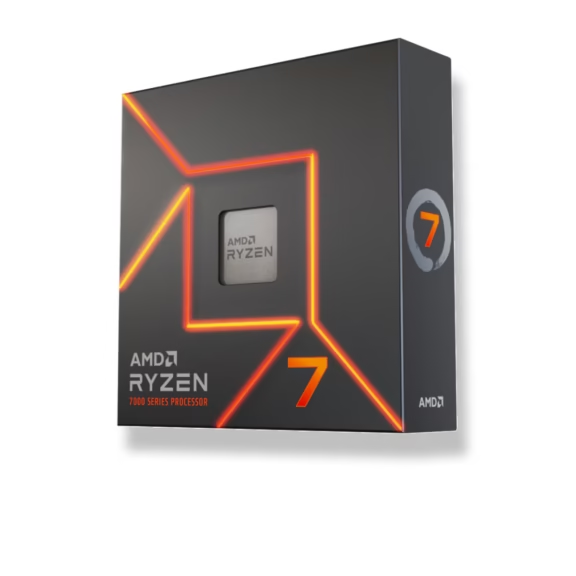
The Ryzen 7 7700X is a solid 8-core all-rounder for 1440p when you do not need X3D cache. It boosts up to 5.4 GHz, and the data below shows strong results in Ghost of Tsushima and Red Dead Redemption 2. It makes the most sense when you find it at a good price.
Key specs
- 8 cores, 16 threads, 4.5 GHz base and up to 5.4 GHz boost
- 32MB L3 cache, 105W TDP, $399 at launch
- Zen 4 architecture on AM5
| Games (1440p) | FPS | Settings |
|---|---|---|
| God of War Ragnarok | 150 FPS | Ultra |
| Alan Wake 2 | 60 FPS | High |
| Red Dead Redemption 2 | 140 FPS | Ultra |
| Ghost of Tsushima | 100 FPS | Ultra |
| The Last of Us Part 2 | 90 FPS | Very High |
These are native results, without frame generation or DLSS. Its Red Dead Redemption 2 number is higher than the X3D tables above, which is an example of how much the test scene and settings change FPS.
Best For
- Gamers who want eight fast cores without paying for X3D cache
- Mixed use, such as gaming plus streaming or editing
Caveats
- It has 32MB of L3 cache, versus 96MB on the X3D chips.
- The 105W TDP runs hotter than the 65W Ryzen 7 9700X, so plan your cooling.
Ryzen 7 9700X
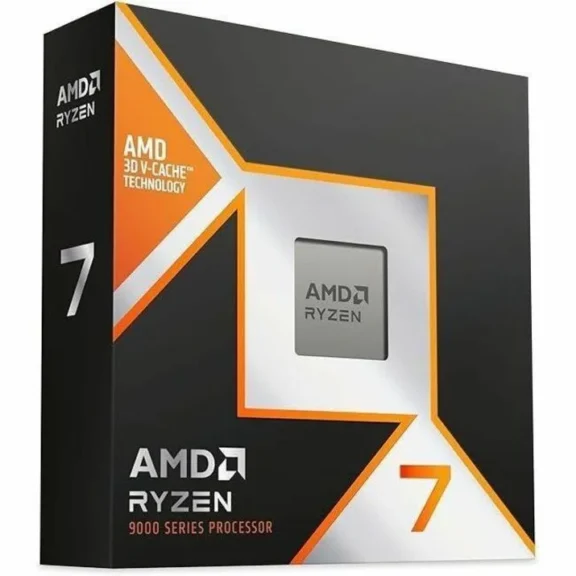
The Ryzen 7 9700X is the pick for a cool, quiet, efficient 1440p build. It runs at a 65W TDP with a 5.5 GHz boost clock. In the table below, it holds 100+ FPS in three of five games without frame generation.
Key specs
- 8 cores, 16 threads, 3.8 GHz base and up to 5.5 GHz boost
- 32MB L3 cache, 65W TDP, $359 at launch
- Zen 5 architecture on AM5
| Games (1440p) | FPS | Settings |
|---|---|---|
| God of War Ragnarok | 160 FPS | Ultra, frame generation on |
| Ghost of Tsushima | 95 FPS | Cinematic |
| Red Dead Redemption 2 | 122 FPS | Ultra |
| The Last of Us Part 2 | 102 FPS | Ultra |
| ARC Raiders | 135 FPS | Ultra |
Only the God of War Ragnarok result uses frame generation.
Best For
- Small cases and quiet builds where heat and noise matter
- Players who want modern Zen 5 cores without X3D pricing
Caveats
- It has 32MB of L3 cache, the same as the 7700X, so it is not an X3D rival.
- Newer does not always mean faster in games. Do not pay extra just for the name.
If you are confused between the Ryzen 7 7700X or the Ryzen 7 9700X, you can read our comparison review of these chips for deeper understanding.
Ryzen 5 7600X
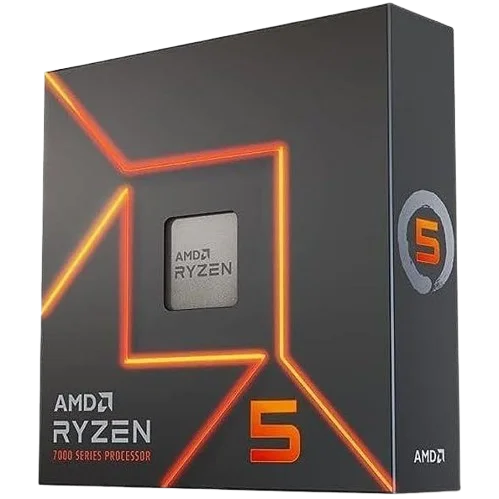
The Ryzen 5 7600X is the budget pick for 1440p. It has 6 cores and 12 threads, boosts to 5.3 GHz, and costs the least of the five. With DLSS 4 and a good GPU, it still reaches 100+ FPS in several games below.
Key specs
- 6 cores, 12 threads, 4.7 GHz base and up to 5.3 GHz boost
- 32MB L3 cache, 105W TDP, $299 at launch
- Zen 4 architecture on AM5
| Games (1440p) | FPS | Settings |
|---|---|---|
| Forza Horizon 6 | 98 FPS | Extreme, RT on, DLSS 4 Quality |
| Resident Evil Requiem | 145 FPS | Max, DLSS 4, RT High |
| Crimson Desert | 66 FPS | Ultra, DLSS 4.5, RT on |
| The Last of Us Part 2 | 118 FPS | Very High, DLAA |
| Death Stranding 2 | 110 FPS | Very High, DLSS Quality |
Caution: These results use DLSS upscaling, so do not compare them directly with the native tables above.
Best For
- First 1440p builds where every dollar counts
- Players who mostly run single-player games with DLSS
Caveats
- Six cores leave less room for heavy background apps, streaming, or future games.
- It is the weakest CPU here, so it is the likeliest to limit a faster GPU later.
Common Misconceptions While Choosing CPUs for 1440p Gaming
The biggest mistake is to use 1440p as an excuse to cut corners on the CPU. Most other myths grow from that. Here are the ones I see most when people choose a processor for a 1440p build.
Myths Worth Dropping
- “At 1440p, the GPU Does Everything.” That holds only in GPU-bound games. CPU-heavy and older titles, such as modded Minecraft, still depend on the processor.
- “More Cores Means More FPS.” The 9800X3D has eight cores and leads this list. Cache and per-core speed matter more in games, and Tom’s Hardware called it the fastest gaming CPU at launch.
- “Frame Generation Fixes a Weak CPU.” Generated frames build on the base frame rate your CPU can deliver. A CPU that stutters will still stutter.
- “Newer Always Beats Older.” The 9700X is the newer chip, yet the data above shows it behind the 7700X in Red Dead Redemption 2, both at Ultra. Test scenes and cache size does matter.
Mistakes People Forget
- Skipping the Cooler: None of the five CPUs from above seems to come with a cooler, according to the retailers, so budget for one before buying.
- Forgetting DDR5: AM5 boards use DDR5 memory, so plan RAM and motherboard together.
- Comparing Across Charts: Test scenes and settings differ between sources. Compare CPUs inside one table.
- Trusting Launch Prices: Street prices move quickly. Check live prices, then decide.
Which CPU Should You Choose?
My recommendation is the Ryzen 7 9800X3D. It gave the strongest 1440p results in this list and gives you the most room to upgrade your GPU later. If your budget is tight, get the Ryzen 7 7800X3D, which matches it in several games.
| If you want… | Choose |
|---|---|
| The best 1440p CPU, no compromises | Ryzen 7 9800X3D |
| X3D performance for less | Ryzen 7 7800X3D |
| Eight fast cores without X3D | Ryzen 7 7700X |
| A cool, efficient 65W build | Ryzen 7 9700X |
| The lowest price into 1440p | Ryzen 5 7600X |
Your next step: Check live prices for the 9800X3D and the 7800X3D today. If the gap is small, buy the 9800X3D. If it is large, the 7800X3D is a smart, safe choice. Either way, add a good cooler and DDR5 memory to your cart before you check out.
