

When I build or upgrade a gaming PC, I always consider CPU compatibility before choosing a processor. One small detail that can make a big difference is the CPU socket. If the processor and motherboard use incompatible sockets, they simply will not work together.
A CPU socket is the connector that holds the processor on the motherboard. However, not all sockets are the same, and each type has its own design and compatibility requirements.
In this guide, I’ll explain what a CPU socket is, explore its main types and features, and show you how to choose the right one for your gaming PC.
What Is a CPU Socket?
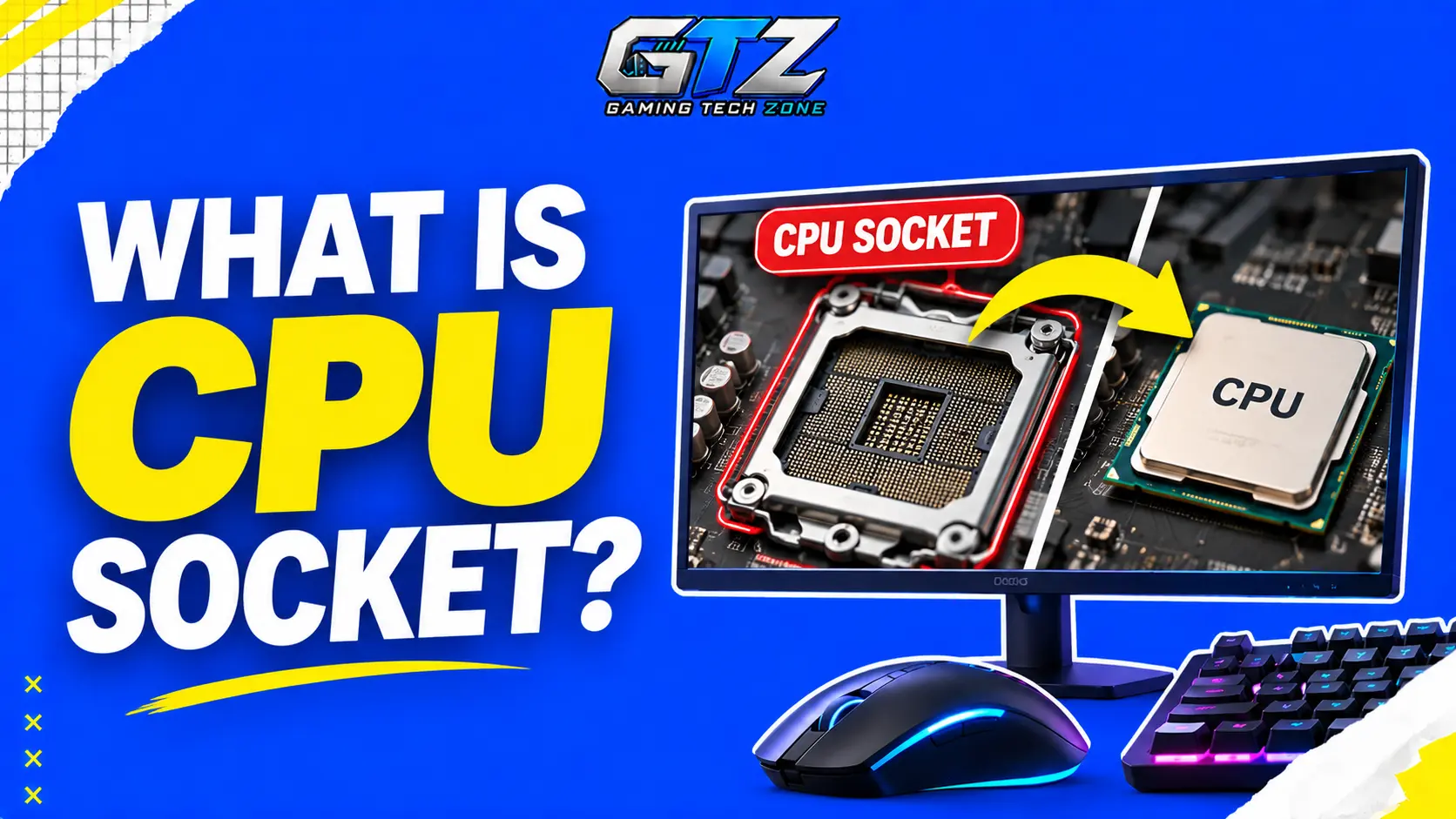
A CPU socket is a physical connector on the motherboard that holds the central processing unit (CPU). It provides electrical connections that allow the processor to communicate with other computer components.
Think of it as a dedicated place for your processor. The socket keeps the CPU in position and connects it to the motherboard’s circuits.
CPU sockets also determine which processors a motherboard can support. For example, a motherboard with an AMD AM5 socket cannot accept an Intel processor designed for an LGA 1700 socket. That’s why checking compatibility is important before buying a new CPU or motherboard.
How Does a CPU Socket Work?
A CPU socket connects the processor to the motherboard through a series of electrical contacts. These contacts carry power and signals between the CPU and other components, including memory and storage controllers.
On many desktop motherboards, you open a retention mechanism, place the compatible processor into the socket, and secure it in position. The CPU must be aligned correctly to avoid damaging its contacts or pins.
Once installed, the processor works with the motherboard to handle game logic, calculations, and other tasks. You also need a suitable CPU cooler to keep the processor at a safe operating temperature.
If you are a gamer, you can read my guide on normal CPU temperature for gaming in order to understand what temperature range is safe for your processor while gaming.
Main Types of CPU Sockets
CPU sockets come in different designs, depending on how they connect to the processor. The three main types are Pin Grid Array (PGA), Land Grid Array (LGA), and Ball Grid Array (BGA).
Each type has a different physical structure and installation method. Understanding these differences can help you identify the kind of processor connection used in your PC.
1. Pin Grid Array (PGA)
Pin Grid Array (PGA) sockets use a processor with small pins on its underside. These pins fit into matching holes in the motherboard socket.
PGA designs have been used in various AMD processors. For example, AMD’s AM4 desktop platform uses a PGA-style CPU connection. Care is needed during installation because bent CPU pins can prevent the processor from working correctly.
2. Land Grid Array (LGA)
Land Grid Array (LGA) sockets use flat contact pads on the processor and small pins inside the motherboard socket. A retention mechanism holds the CPU in place and maintains contact.
This design is used by many desktop processors. Examples include Intel’s LGA 1700 platform and AMD’s AM5 platform. Since the pins are located in the motherboard socket, you must handle the socket carefully to avoid bending them.
3. Ball Grid Array (BGA)
Ball Grid Array (BGA) connects a processor to the motherboard using small solder balls underneath the chip. The processor is soldered directly to the board rather than placed in a removable socket.
BGA processors are common in laptops, compact computers, and other devices where space and power efficiency matter. However, they are not designed for easy CPU replacement. Upgrading one usually requires specialized equipment and repair skills.
What Are the Key Features of a CPU Socket?
A CPU socket does more than hold the processor in place. Its design affects which CPUs you can install and how the processor connects to the rest of your system.
Here are its main features:
- Processor Compatibility: Each socket supports specific processor models or families. Always check compatibility before buying a CPU.
- Pin or Contact Arrangement: The number and layout of contacts determine how the processor connects to the motherboard.
- Electrical Connections: The socket carries power and signals between the CPU and motherboard.
- Physical Design: The socket’s shape and size determine how a compatible processor fits into it.
- Power Delivery Support: The socket works with the motherboard’s power delivery system to supply the processor.
- Upgrade Support: A socket can support multiple CPU models, but upgrades also depend on the motherboard chipset and BIOS.
What Is a CPU Socket Used For?
A CPU socket connects the processor to the motherboard and allows it to communicate with other components. It also helps secure the processor and makes CPU replacement possible on systems with removable processors.
Connecting the CPU to the Motherboard
The main purpose of a CPU socket is to connect the processor to the motherboard. It provides electrical contacts that carry power and signals, allowing the CPU to work with other components.
Enabling CPU Upgrades
A compatible CPU socket allows you to replace an existing processor with another supported model. This can help you improve your gaming PC’s performance without replacing the motherboard, provided the new CPU is supported by the motherboard’s chipset and BIOS.
Supporting Communication Between Components
The CPU needs to communicate with memory, storage, and other hardware to run games and applications. The socket provides the electrical connections between the processor and motherboard, helping these components work together.
Holding the Processor Securely
A CPU socket keeps the processor properly positioned on the motherboard. Its retention mechanism helps maintain contact between the CPU and socket, allowing the system to operate reliably.
How to Identify Your CPU Socket Type?
If you are planning to upgrade your gaming PC, you should identify your CPU socket before purchasing a new processor. Here are a few ways to do this.
- Check Your Motherboard Model: Find the model name on your motherboard or in its documentation. Visit the manufacturer’s website to check the socket type in the specifications.
- Identify Your CPU Model: Open Windows Task Manager, select the Performance tab, and click CPU to see your processor model. You can then look up its official specifications.
- Use a system information Tool: Programs such as CPU-Z can show your processor and motherboard details. You may need to look up the socket separately using these details.
- Check the Manufacturer’s Website: Confirm the socket type and supported processors using the official CPU and motherboard specifications.
Avoid removing your CPU just to identify its socket. Checking the model and specifications is usually easier and safer.
How to Choose the Right CPU Socket?
Choosing a CPU socket starts with the processor you want to use. If you are building a gaming PC, consider these points before buying your motherboard and CPU.
- Check CPU Compatibility: Make sure the motherboard socket supports your chosen processor.
- Consider the Motherboard chipset: The chipset affects supported features and processor compatibility.
- Check BIOS Support: Some motherboards require a BIOS update to run certain CPUs.
- Think About Future Upgrades: If you plan to upgrade later, check which processors the platform supports.
- Set a Budget: Compare the cost of the CPU, motherboard, and other required components together.
- Match Your Gaming Needs: Choose a compatible CPU and motherboard that suit the games you play and the performance you want.
Remember that matching socket types alone does not guarantee compatibility. Always check the motherboard’s official CPU support list before purchasing a processor.
CPU Socket vs CPU Slot: What’s the Difference?
A CPU socket and a CPU slot both connect a processor to a motherboard, but they use different physical designs.
- A CPU socket holds a processor through contacts or pins that connect it to the motherboard. Most modern desktop CPUs use sockets, such as AMD AM5 and Intel LGA 1700.
- A CPU slot uses a longer connector that accepts a slot-based processor package. These designs were more common in older computers, including some systems that used Intel Pentium II processors.
CPU slots are now uncommon in desktop PCs. If you are building or upgrading a modern gaming PC, you will most likely work with a CPU socket.
Final Words
A CPU socket is the connection point between your processor and motherboard. Its type determines which CPUs can physically fit and connect to the board.
The main types are PGA, LGA, and BGA. PGA and LGA are used in different desktop platforms, while BGA is common in laptops and compact devices.
If you are building or upgrading a gaming PC, always check your motherboard’s socket type and CPU compatibility before buying new hardware. This simple step can help you avoid compatibility problems and unnecessary expenses.
People Also Ask
No, CPU sockets differ in design, contact arrangement, and compatibility. Each motherboard supports only specific processors, so you must check the supported CPU list before buying.
No, a CPU must be compatible with your motherboard’s socket and platform. The chipset and BIOS version can also affect compatibility.
CPU socket replacement can cost around 50–150 or more for labor, depending on the motherboard and repair shop. If the damage is severe, replacing the motherboard may be more practical, especially if the repair costs nearly as much as a new board.
Yes, you can upgrade your CPU without changing the motherboard if the new processor is compatible with it. Check the socket, chipset, and BIOS requirements before upgrading.
Some laptops have socketed processors, but many modern laptops use CPUs soldered directly to the motherboard. These soldered processors are not designed for easy replacement.
