

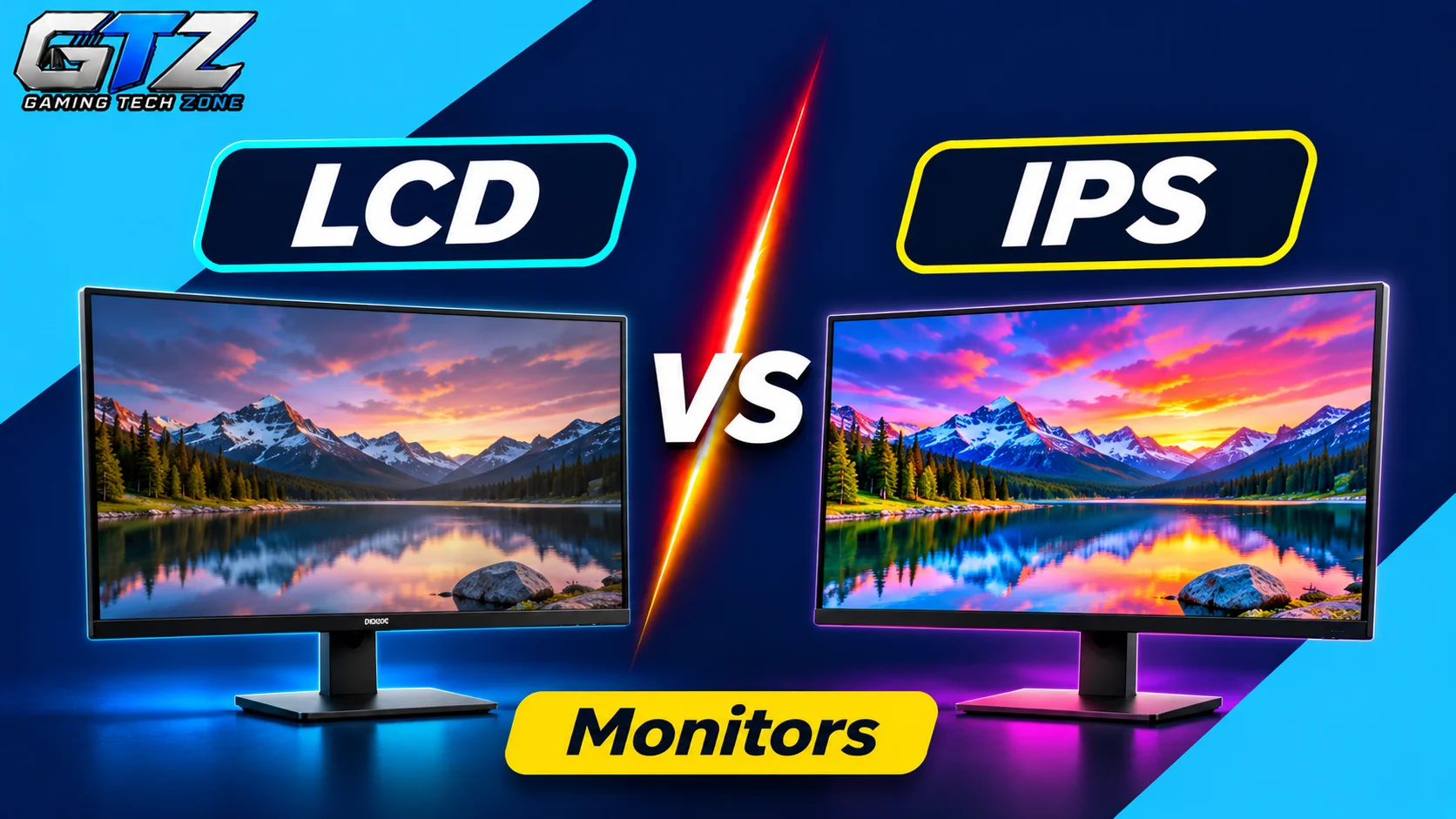
Looking for a gaming monitor but got stuck between the LCD panel vs IPS debate?
One important thing to understand before comparing these two is that IPS is actually a type of LCD panel. So, they are not completely separate display technologies.
When people make this comparison, they usually mean a traditional LCD monitor with a VA or TN panel versus an IPS LCD monitor.
For gaming, IPS is often the better all-round choice because it offers vibrant colors, wide viewing angles, and fast response times. However, VA and TN panels can still make sense depending on your budget and gaming preferences.
In this guide, I am going to compare IPS with the other common LCD panel types, so you can decide which one is the best pick for your gaming zone.
LCD Panel vs IPS: Which One Should You Choose?
If you want my straightforward recommendation, I would suggest an IPS gaming monitor for most players because it offers:
- Better viewing angles
- Vibrant and consistent colors
- Fast response times on modern models
However, VA and TN panels can be better choices in certain situations. VA offers deeper blacks and higher contrast, while TN focuses on fast motion handling.
The right choice depends on factors such as response time, refresh rate, color reproduction, contrast ratio, viewing angles, price, and the games you play.
A Complete LCD Panel vs IPS Comparison for Gaming
For this comparison, LCD refers to the alternative LCD panel types, mainly VA and TN, rather than LCD as a whole.
| Factors | VA/TN LCD Panels | IPS LCD Panels | Winner |
|---|---|---|---|
| Color Reproduction | VA offers good colors; TN is generally weaker | Vibrant and consistent colors | IPS |
| Viewing Angles | VA is moderate; TN is more limited | Wide viewing angles | IPS |
| Contrast Ratio | VA offers deeper blacks; TN varies | Generally lower contrast | VA |
| Response Time | TN can be very fast; VA varies | Fast on modern gaming models | Depends on Model |
| Refresh Rate | Available at high refresh rates | Available at high refresh rates | Tie |
| Motion Handling | TN can have an advantage; VA may show smearing | Generally good motion handling | Depends on Model |
| Price & Value | Depends on panel type and monitor specifications | Available across budget and premium ranges | Depends on Model |
| Dark Room Gaming | VA offers better black levels | IPS glow can be noticeable | VA |
This comparison explores the key differences between IPS, VA, and TN panels to help you understand which display technology suits your gaming preferences.
1. Color Reproduction
- VA/TN LCD: VA panels offer good color reproduction, although their performance varies by model. TN panels generally have weaker color reproduction and consistency compared to IPS.
- IPS: Provides vibrant colors and consistent image quality, which makes games look more colorful and visually appealing.
Winner: IPS is the better choice if you enjoy visually rich games, open-world environments, and detailed graphics.
2. Viewing Angles
- VA/TN LCD: VA panels have decent viewing angles, but colors and contrast can shift when viewed from the sides. TN panels have more limited viewing angles.
- IPS: Offers wide viewing angles and helps maintain consistent colors and brightness even when viewing the screen from different positions.
Winner: IPS is the better choice if you want consistent image quality or frequently share your screen with other people.
3. Contrast Ratio
- VA/TN LCD: VA panels offer higher native contrast ratios and allow them to display deeper blacks and better shadow details. TN panels generally do not match VA’s contrast performance.
- IPS: Standard IPS panels generally have lower contrast ratios, which can make black areas appear grayish in dark rooms.
Winner: VA is the better option if you frequently play horror games, explore dark environments, or use your monitor in a dimly lit room.
4. Response Time
- VA/TN LCD: TN panels can offer very fast pixel response times, while VA panels may have slower dark-pixel transitions that cause visible smearing in some games.
- IPS: Modern IPS gaming monitors can offer fast pixel response times, which makes them suitable for competitive and fast-paced games.
Winner: Depends on Model.
Note: TN can still be excellent for motion handling, but modern IPS monitors have narrowed the gap considerably. And when it comes to OLED vs IPS, OLED further takes the lead.
5. Refresh Rate
- VA/TN LCD: VA and TN gaming monitors are available with high refresh rates, including 144Hz, 240Hz, and higher options.
- IPS: IPS gaming monitors are also available with high refresh rates and provide smooth gameplay and responsive screen updates.
Winner: There is no winner because refresh rate depends on the specific monitor rather than the panel technology alone. Choose a monitor with a refresh rate that matches your requirements and gaming PC.
6. Motion Handling
- VA/TN LCD: TN panels can deliver excellent motion clarity, while some VA panels struggle with dark transitions and produce smearing behind moving objects.
- IPS: Modern IPS panels generally offer good motion handling, although performance depends on the monitor’s pixel response times and overdrive settings.
Winner: Depends on Model
GTZ Tip: TN can be a strong option for competitive gaming, while fast IPS monitors provide a good balance of motion clarity and image quality.
7. Price and Value
- VA/TN LCD: VA monitors are available across budget and mid-range categories, while TN models can be attractive for specific competitive gaming requirements.
- IPS: IPS monitors are available at different price points, from affordable gaming displays to premium high-refresh-rate models.
Winner: Depends on Model
8. Dark Room Gaming
- VA/TN LCD: VA panels offer higher contrast ratios and deeper blacks, making dark scenes look more detailed in many gaming environments. TN panels generally do not provide the same contrast advantage.
- IPS: Standard IPS panels have lower native contrast, and IPS glow can become noticeable when playing games in a dark room.
Winner: VA is the better option if you mostly play atmospheric games, horror titles, or cinematic games in a dark environment.
IPS vs VA vs TN: Which LCD Panel Actually Works for Gaming?
Not all LCD panel types offer the same gaming experience. IPS, VA, and TN use different liquid crystal arrangements, which affect their colors, contrast, viewing angles, and motion handling.
- IPS (In-Plane Switching): Offers wide viewing angles, consistent colors, and good response times on modern gaming monitors. It is an excellent all-round option for gamers who want a balance between image quality and performance.
- VA (Vertical Alignment): Provides higher contrast ratios and deeper blacks than standard IPS panels. It is particularly suitable for cinematic gaming and dark environments, although some VA monitors show noticeable dark-level smearing.
- TN (Twisted Nematic): Traditionally focuses on fast response times and motion handling. Its main disadvantages are weaker color reproduction and narrower viewing angles compared with IPS.
The best choice depends on your gaming preferences. IPS is a great all-rounder, VA is excellent for contrast, and TN can still make sense for competitive gaming.
Where IPS Panels Win for Gaming?
IPS has become a popular choice for gaming monitors because it offers a strong balance between image quality and responsiveness:
- Better Color Reproduction: IPS panels generally provide vibrant and consistent colors and make open-world games, racing titles, and visually detailed environments look impressive.
- Wide Viewing Angles: Colors and brightness remain more consistent when you view the screen from different positions.
- Fast Response Times: Modern IPS gaming monitors can deliver fast pixel response times, making them suitable for competitive and casual gaming.
- Versatile Performance: IPS works well for gaming, everyday use, watching movies, and creative tasks, which makes it a practical all-round option.
Where VA and TN LCD Panels Still Win?
I will be fair here. IPS is not automatically better in every situation. Other LCD panel types still have real advantages:
- Deeper Blacks With VA: VA panels offer higher contrast ratios to make dark scenes look deeper and more detailed. This is particularly useful for horror games and cinematic gaming.
- Competitive Motion Handling With TN: TN monitors can offer excellent pixel response times and motion clarity, which make them suitable for competitive players who prioritize fast movement.
- Dark Room Gaming: VA’s higher contrast makes it a strong option if you frequently play games at night with the lights turned off.
- Different Budget Options: VA and TN monitors are available at different price points, which gives gamers more choices depending on their requirements.
Does IPS Mean Better Gaming Performance?
Not necessarily. Choosing an IPS monitor does not automatically give you higher FPS or lower input lag.
Your gaming performance depends on several factors, including your:
- Graphics card
- Processor
- Game settings
- Monitor refresh rate
- Response time
An IPS monitor with a 144Hz refresh rate will not automatically outperform a TN monitor with a 240Hz refresh rate in every competitive gaming situation.
Similarly, a fast IPS monitor can provide a better overall experience than a slower VA monitor, depending on the specific models being compared.
So, do not choose a gaming monitor based on panel technology alone. Look at its actual specifications and independent performance reviews.
Final Thoughts
When comparing LCD panel vs IPS, remember that IPS is itself an LCD technology. The real comparison is between IPS and other LCD panel types, particularly VA and TN.
IPS is an excellent all-round choice because it offers vibrant colors, wide viewing angles, and fast response times on modern gaming monitors. VA is better if you prioritize deeper blacks and higher contrast, while TN can be suitable for competitive gamers who prioritize motion clarity.
- If you prioritize color reproduction, viewing angles, and balanced gaming performance, choose IPS.
- If you prioritize deeper blacks, higher contrast, and dark room gaming, choose VA.
- Or if you prioritize fast motion handling for competitive gaming, consider TN.
For most gamers, I recommend IPS because it provides a strong balance between visual quality and gaming performance. Just make sure you compare the actual response time, refresh rate, and overall performance before buying.
