

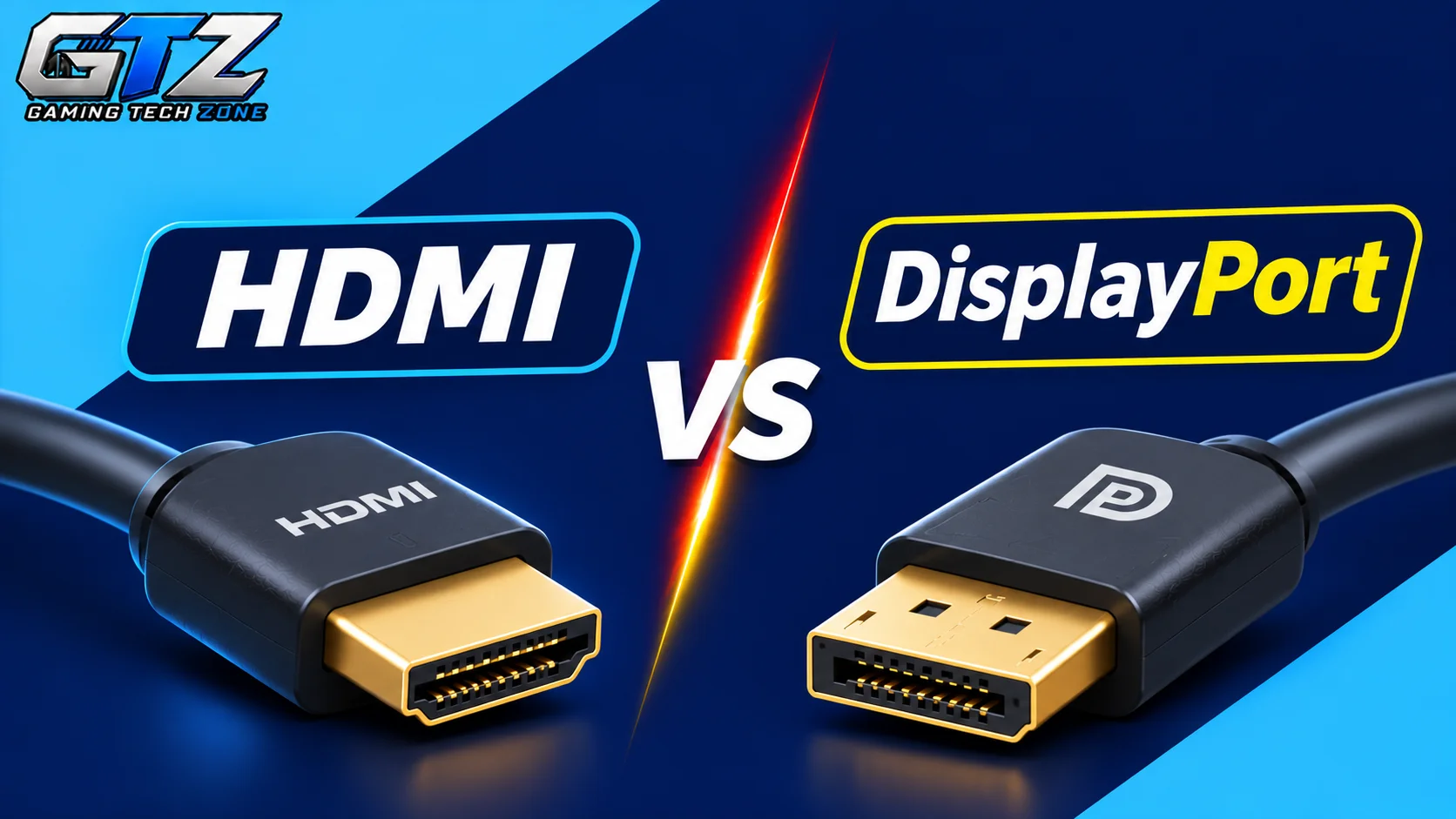
When choosing a cable for my gaming setup, I want to make sure it supports the resolution and refresh rate I need. HDMI and DisplayPort are two common options, but each has different features and compatibility requirements.
The right choice for you depends on whether you play on a gaming PC or console and which monitor you use. Both can deliver excellent visuals, but their differences can affect your setup. In this article, I will compare HDMI vs DisplayPort to help you choose the right option for gaming.
What Is HDMI?
HDMI (High-Definition Multimedia Interface) is a connection standard that carries video and audio through a single cable. It is widely used in gaming consoles, televisions, monitors, and PCs. HDMI supports different resolutions and refresh rates depending on its version.
HDMI 2.0 is commonly associated with 4K at 60Hz, while HDMI 2.1 supports up to 4K at 120Hz and can handle higher resolutions and refresh rates with compatible devices. It is a popular choice for console gaming because modern consoles and most TVs support it.
What Is DisplayPort?
DisplayPort is a digital connection standard mainly used for computer monitors and PCs. Like HDMI, it carries both video and audio, but it is particularly common in gaming monitors and graphics cards. Its newer versions offer high bandwidth for high-resolution gaming at fast refresh rates.
DisplayPort 1.4 supports 4K at high refresh rates with Display Stream Compression (DSC), while DisplayPort 2.1 offers greater bandwidth for demanding display setups. It is often a good choice for PC gamers who want to take full advantage of a high-refresh-rate monitor.
HDMI vs DisplayPort: A Detailed Comparison
HDMI and DisplayPort can both deliver sharp visuals and smooth gameplay, but their capabilities depend on the version, cable, graphics card, and display you use. Some differences matter more for PC gaming, while others are important for console gaming and home entertainment.
Let’s compare both connection types across the features that matter most to gamers.
1. Resolution and Refresh Rate
Resolution determines how sharp a game looks, while refresh rate measures how many times a display updates its image per second. Higher resolutions provide more detail, and higher refresh rates can make gameplay look smoother.
The connection must have enough bandwidth to support your chosen resolution and refresh rate.
- HDMI: HDMI 2.0 supports 4K at 60Hz, making it suitable for many standard gaming setups. HDMI 2.1 supports 4K at 120Hz and can handle 8K at 60Hz under suitable conditions.
- DisplayPort: DisplayPort 1.4 can support 4K at 120Hz or higher with Display Stream Compression (DSC). DisplayPort 2.1 offers more bandwidth for high-resolution and high-refresh-rate displays.
Winner: DisplayPort for high-refresh-rate PC gaming, especially with newer versions. HDMI 2.1 is also an excellent option for 4K gaming at 120Hz.
2. Gaming Performance
The connection itself does not usually determine your game’s frame rate or graphics quality. Those depend mainly on your graphics card, processor, game settings, and display. However, the connection can limit the resolution and refresh rate you can use.
- HDMI: HDMI 2.1 can deliver smooth gameplay at high resolutions and refresh rates. This makes it suitable for modern gaming consoles and compatible PC monitors.
- DisplayPort: DisplayPort is widely used for PC gaming monitors with refresh rates of 144Hz, 240Hz, or higher. You need a compatible graphics card, monitor, and cable to use these refresh rates.
Winner: DisplayPort for high-refresh-rate PC setups, although HDMI 2.1 can provide comparable results when both devices support the required features.
3. Adaptive Sync Technology
Adaptive sync helps a monitor match its refresh rate to the frame rate produced by your graphics card.
This can reduce screen tearing, which happens when parts of different frames appear together, and can make gameplay feel smoother. Support depends on the connection, display, graphics card, and specific technology used.
- HDMI: HDMI 2.1 includes Variable Refresh Rate (VRR), which is useful for compatible gaming consoles, TVs, and monitors. Some earlier HDMI versions also support adaptive sync through specific implementations.
- DisplayPort: DisplayPort supports VESA Adaptive-Sync, which is used by many FreeSync-compatible displays. It is also supported by many G-SYNC-compatible monitors, making DisplayPort a common choice for PC gaming.
Winner: DisplayPort for broad adaptive-sync support in PC gaming. However, HDMI 2.1 VRR is an effective option for compatible consoles and displays.
4. Audio Support
Both HDMI and DisplayPort can transmit audio and video through a single cable. This means you can connect a compatible display without needing a separate audio cable. The available audio features depend on the connected devices and their supported formats.
- HDMI: HDMI supports advanced audio formats and is widely used with televisions, soundbars, AV receivers, and gaming consoles. It is particularly useful for home theater setups.
- DisplayPort: DisplayPort also carries multichannel digital audio through a compatible connection. It works well with gaming monitors and supported audio equipment, but it is less common in home entertainment systems.
Winner: HDMI because of its wider use with TVs, soundbars, and home theater equipment.
5. Compatibility
Compatibility matters because a cable is only useful if it connects to the ports available on your gaming device and display. You should also check which versions both devices support, as a newer cable cannot add features that the connected hardware does not support.
- HDMI: HDMI is common on gaming consoles, televisions, laptops, graphics cards, and monitors. It is usually the easiest choice for connecting a PlayStation 5 or Xbox Series X/S to a TV.
- DisplayPort: DisplayPort is common on desktop graphics cards and gaming monitors. It is often the more practical choice for connecting a gaming PC to a high-refresh-rate monitor, but it is not a standard output on most current consoles.
Winner: HDMI for overall device compatibility, especially if you use gaming consoles or televisions.
6. Bandwidth
Bandwidth determines how much display data a connection can carry at a time. Higher bandwidth makes it possible to transmit higher resolutions, faster refresh rates, and more demanding color formats. This becomes important when gaming at 4K or using a monitor with a very high refresh rate.
- HDMI: HDMI 2.1 provides up to 48 Gbps of bandwidth. This is enough for demanding gaming setups, such as 4K at 120Hz, with compatible hardware and settings.
- DisplayPort: DisplayPort 1.4 provides up to 32.4 Gbps of raw bandwidth. DisplayPort 2.1 can offer up to 80 Gbps with UHBR20 support, which allows it to handle demanding display configurations.
Winner: DisplayPort because DisplayPort 2.1 can provide substantially more bandwidth than HDMI 2.1. Actual performance still depends on the specific port, cable, and display.
7. Cable Length and Connectivity
Cable length and connection features can matter when setting up a gaming desk or connecting multiple displays. Longer cables may require more careful selection to maintain signal quality, particularly at high resolutions and refresh rates. The available features also depend on the devices and cable specifications.
- HDMI: HDMI works well for connecting a gaming PC or console to a nearby monitor or TV. Longer cables are available, including active and optical options for setups that need greater distance.
- DisplayPort: DisplayPort supports Multi-Stream Transport (MST), which allows compatible computers to connect multiple displays through one DisplayPort output. Longer cables are also available, but high-bandwidth setups require cables rated for the intended signal.
Winner: DisplayPort for multi-monitor PC setups because of MST support. HDMI is also suitable for longer connections when you choose an appropriate cable.
HDMI vs DisplayPort: Overall Comparison
| Feature | HDMI | DisplayPort |
|---|---|---|
| Main Use | Gaming consoles, TVs, and PCs | Gaming PCs and monitors |
| Latest Version Discussed | HDMI 2.1 | DisplayPort 2.1 |
| Maximum Bandwidth | 48 Gbps (HDMI 2.1) | 80 Gbps (DisplayPort 2.1 UHBR20) |
| 4K Gaming | Up to 120Hz with HDMI 2.1 | Supports high refresh rates, depending on version and settings |
| 8K Support | Up to 60Hz with HDMI 2.1 | Supports 8K and higher refresh rates, depending on configuration |
| Adaptive Sync | VRR support on compatible devices | VESA Adaptive-Sync support |
| Audio Support | Excellent, including home theater systems | Supports digital and multichannel audio |
| Console Compatibility | Excellent | Limited on current consoles |
| High-Refresh-Rate PC Gaming | Excellent with HDMI 2.1 | Excellent, especially with newer versions |
| Multi-Monitor Daisy Chaining | Not natively supported | Supported through MST on compatible devices |
| Best For | Console gaming and home entertainment | High-refresh-rate PC gaming and multi-monitor setups |
HDMI vs DisplayPort: Pros and Cons
Pros
- Works with a wide range of devices, including gaming consoles, TVs, monitors, and PCs.
- HDMI 2.1 supports high refresh rates and resolutions, including 4K at 120Hz with compatible hardware.
- Supports audio and video through one cable.
- Offers useful features for home entertainment systems, including VRR on compatible HDMI 2.1 devices.
Cons
- Older HDMI versions may limit the resolution and refresh rate available on newer gaming monitors.
- It does not offer DisplayPort’s MST feature for daisy-chaining multiple monitors.
- Some high-refresh-rate PC monitors may offer their best supported modes through DisplayPort instead.
DisplayPort Pros and Cons
Pros
- Widely supported on desktop graphics cards and gaming monitors.
- Newer versions offer high bandwidth for demanding resolutions and refresh rates.
- Supports adaptive sync and MST for compatible PC displays.
- A strong option for competitive PC gaming with high-refresh-rate monitors.
Cons
- Less common on gaming consoles and televisions.
- Not every PC or monitor supports the latest DisplayPort versions.
- You must check the supported version and cable specifications to use the highest resolutions and refresh rates.
HDMI vs DisplayPort: Which Is Better for Gaming?
Neither connection is better for every gaming setup. Your choice should depend on your device, monitor, and the resolution and refresh rate you want to use.
Choose HDMI if:
- You mainly play on consoles such as the PlayStation 5 or Xbox Series X/S.
- Your setup includes a television, soundbar, or home theater system.
- You want to play at 4K and 120Hz using a monitor that supports HDMI 2.1.
Choose DisplayPort if:
- Your primary gaming setup consists of a PC, compatible graphics card, and gaming monitor.
- You want to take advantage of refresh rates such as 144Hz, 240Hz, or higher.
- Your multi-monitor setup requires MST support to connect multiple displays through a single DisplayPort output.
Before buying a cable, check the specifications of your graphics card or console and your monitor. The connection’s version, cable rating, and device support determine which resolutions and refresh rates you can use. You do not need to replace a working cable if it already supports the display settings you want.
Final Words
HDMI and DisplayPort are both capable gaming connections, but they suit different setups. HDMI is the practical choice for console gaming, televisions, and home entertainment, while DisplayPort is often preferred for PC gaming monitors with high refresh rates.
The version matters more than the name alone, so check your hardware before choosing. If both connections support the resolution and refresh rate you need, you are unlikely to notice a meaningful difference in gaming performance simply from switching between them.
