

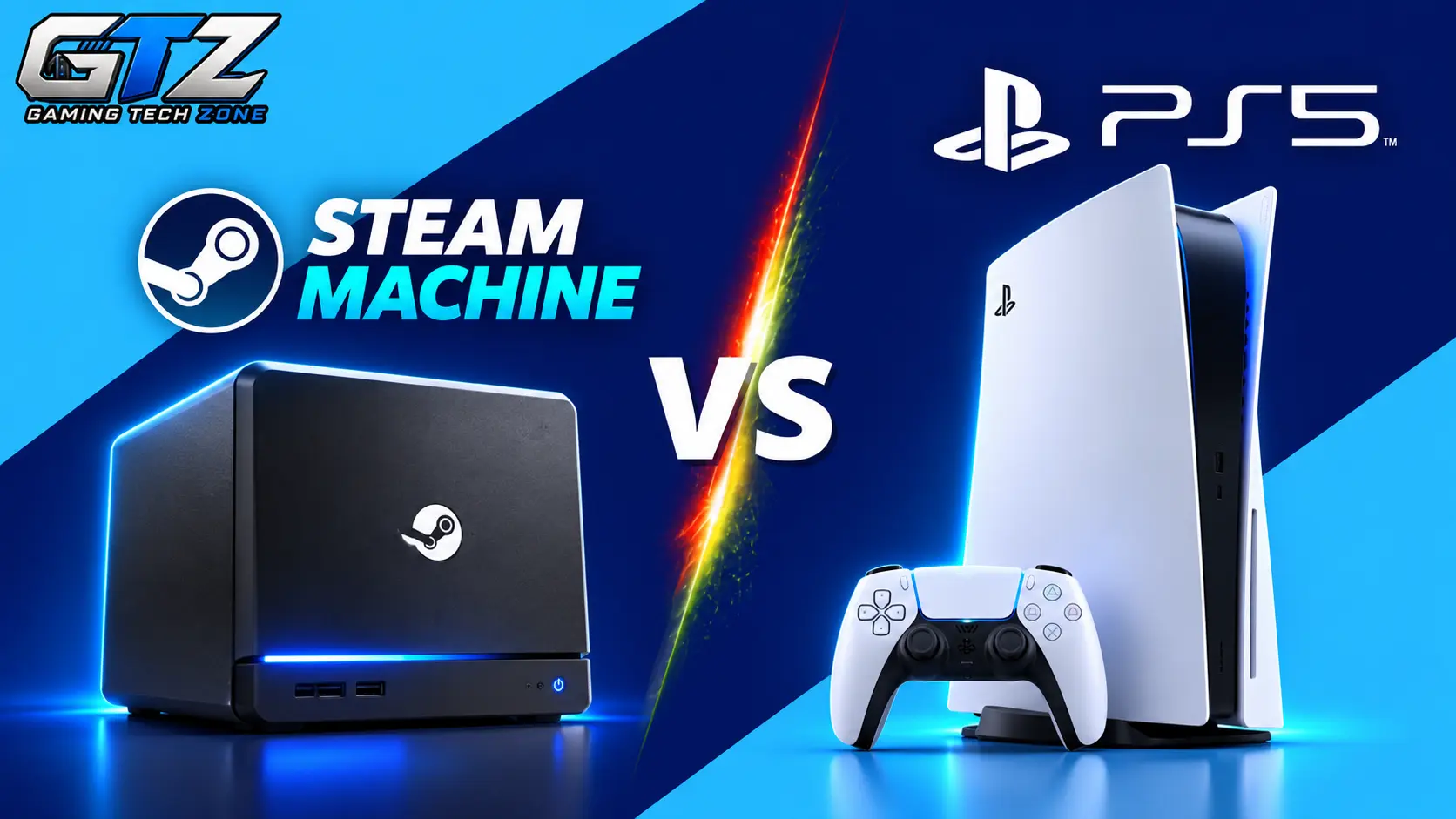
I’ve seen how choosing between two gaming systems can get tricky when both promise an enjoyable experience but take different approaches. The Steam Machine brings PC gaming features to the living room, while the PS5 focuses on convenience, optimized performance, and exclusive titles.
Their differences go beyond hardware, affecting game choices, pricing, customization, and ease of use.
In this article, I’ll compare the Steam Machine and PS5 to help you decide which one better suits your gaming needs.
What Is Steam Machine?
Steam Machine is a compact gaming computer developed by Valve. The newer model runs SteamOS and lets you play compatible games from your Steam library on a TV or monitor, much like a traditional console.
Unlike a traditional console, the Steam Machine is built around PC gaming. You can access a large collection of games, use supported controllers, and enjoy features such as game mods and customizable settings. However, not every PC game works perfectly on SteamOS, so checking game compatibility is important.
What Is PlayStation 5 (PS5)?
PlayStation 5 (PS5) is a gaming console developed by Sony. It offers a straightforward way to play modern games without dealing with most of the setup and configuration that can come with PC gaming.
The PS5 features a custom AMD processor, fast SSD storage, and the DualSense wireless controller. The controller supports features such as adaptive triggers and haptic feedback, which can make certain games feel more immersive. The console also offers access to PlayStation exclusives and a large collection of other games.
Steam Machine Vs PS5 – A Detailed Comparison
The Steam Machine and PS5 share the same basic purpose: letting you play games on a big screen. However, they differ in hardware, software, game compatibility, and ease of use. Let’s compare their main features to see which system offers better value for different types of gamers.
1. Hardware and Performance
Hardware and performance affect how smoothly games run, how quickly they load, and how much graphical detail they can deliver. Comparing these factors helps determine how each system performs in different gaming situations.
- Steam Machine: Uses an AMD Zen 4 processor and RDNA 3-based graphics. It offers a modern gaming PC setup, with performance depending on the game and graphics settings.
- PS5: Uses a custom AMD Zen 2 processor and RDNA 2-based graphics. Its fixed hardware allows developers to optimize games for consistent performance.
Winner: PS5 for a more consistent, straightforward gaming experience.
2. Game Library and Exclusives
A system’s game library determines which titles you can play. Exclusive games and compatibility also matter when choosing a system.
- Steam Machine: Offers access to compatible Steam games, including PC releases like Minecraft, indie titles, and older games. However, some games may not work properly on SteamOS.
- PS5: Offers PlayStation exclusives and a wide range of popular games. Some titles are exclusive to PlayStation, while others are also available on PC.
Winner: Steam Machine for its wider range of PC games and access to the Steam ecosystem.
3. Graphics and Gaming Experience
Graphics affect visual detail, while frame rates influence how smooth gameplay feels. Both systems can deliver enjoyable visuals, but their results vary by game and settings.
- Steam Machine: Lets you adjust graphics settings to balance visual quality and performance. However, demanding games may require lower settings.
- PS5: Offers optimized games with quality and performance modes in many titles. This makes it easier to enjoy consistent visuals without adjusting numerous settings.
Winner: PS5 for a more predictable gaming experience.
4. Price and Overall Value
The initial price matters, but game costs and subscriptions also affect long-term value. Comparing these expenses helps you choose a system that fits your budget.
- Steam Machine: The 512GB model launched at $1,049 in the US. Steam sales can help you save money on games, but the initial system cost is high.
- PS5: The standard model costs $649.99 in the US, while the Digital Edition costs $599.99. This makes it a more affordable starting point than the Steam Machine.
Winner: PS5 for its lower initial cost in this US price comparison.
5. Ease of Use and Setup
A system’s ease of use determines how quickly you can start playing and how much time you spend managing settings. This is especially important for gamers who prefer a simple setup.
- Steam Machine: Offers a console-like interface through SteamOS, but some games may require additional configuration or troubleshooting.
- PS5: Provides a straightforward setup and a consistent console interface. Most players can install their games and start playing without adjusting many settings.
Winner: PS5 for easier setup and everyday use.
6. Controllers and Input Options
Controllers affect comfort, responsiveness, and how naturally you interact with games. Input flexibility is also important for players who enjoy different gaming genres.
- Steam Machine: Supports compatible controllers and keyboard-and-mouse input. Steam also offers customizable control layouts for many games.
- PS5: Comes with the DualSense controller, which features haptic feedback and adaptive triggers. These features add immersion in supported games.
Winner: Steam Machine for input flexibility and customization.
7. Online Gaming and Multiplayer
Online gaming lets you play with friends and other players around the world. Subscription requirements and social features can affect the overall cost and convenience.
- Steam Machine: Supports online multiplayer and Steam community features without generally requiring a paid platform subscription. However, some games may have compatibility issues on SteamOS.
- PS5: Offers online multiplayer, voice chat, and PlayStation Network features. Most paid games require PlayStation Plus for online multiplayer, although many free-to-play games do not.
Winner: Steam Machine for online multiplayer value, as it generally doesn’t require a paid platform subscription.
8. Mods, Customization, and Flexibility
Mods and customization let players change how games look and play. These features can add new content and provide more control over the gaming experience.
- Steam Machine: Supports mods in many compatible PC games and allows players to customize controls and other settings.
- PS5: Offers game and system settings, but mod support is more limited than on PC. Players have less freedom to modify games and software.
Winner: Steam Machine for mod support and customization.
9. Backward Compatibility
Backward compatibility lets you enjoy games from earlier generations without keeping multiple systems. The range of supported older games can make a big difference to your library.
- Steam Machine: Can run many older PC games available through Steam, provided they work with SteamOS. This gives players access to a broad range of classic PC titles.
- PS5: Supports the vast majority of PS4 games, making it useful for players with an existing PlayStation library. However, it doesn’t natively support every game from older PlayStation generations.
Winner: Steam Machine for access to a broader range of older PC games.
Steam Machine vs PS5: Comparison Table
Here’s a quick overview of how the two systems compare across the main gaming features.
| Feature | Steam Machine | PS5 |
|---|---|---|
| Platform | PC-based gaming system | Dedicated console |
| Processor | AMD Zen 4, 6 cores | Custom AMD Zen 2, 8 cores |
| Graphics | AMD RDNA 3-based GPU | AMD RDNA 2-based GPU |
| System memory | 16GB DDR5 | 16GB shared memory |
| Game library | Compatible Steam games | PlayStation games and supported titles |
| Graphics settings | More customizable | Game-specific presets |
| Controller | Compatible controllers, including Steam Controller | DualSense |
| Online multiplayer | Generally no paid platform subscription required | PS Plus required for most paid online games |
| Mods | Supported in many games | More limited |
| Ease of use | Console-like, with some PC features | Generally straightforward |
| Backward compatibility | Many compatible PC games | Most PS4 games |
| Starting US price | $1,049 at launch for 512GB | Varies by model and retailer |
Specifications and prices can vary by model and region. Graphics performance also depends on game optimization and settings.
Which One Offers Better Gaming Experience?
Both systems offer a good gaming experience, but the better choice depends on your preferences.
The PS5 is ideal if you want simple setup, consistent performance, and PlayStation exclusives. The Steam Machine suits players who want PC gaming features, a large game library, mods, and customization.
However, the Steam Machine’s higher starting price may not suit budget-conscious gamers, and some PC games may not work properly on SteamOS.
Overall, the PS5 is better for most casual gamers who value convenience and affordability. The Steam Machine is a good choice if you prefer flexibility and already own games on Steam.
Who Should Use Steam Machine?
The Steam Machine is a good choice for gamers who want PC gaming features in a living-room setup. Consider it if you:
- Already own a large collection of games on Steam.
- Want to play PC games on a TV without building a gaming PC.
- Enjoy mods and customizing your gaming experience.
- Prefer using a keyboard and mouse for certain games.
- Want access to PC game sales and a wide range of indie titles.
Before buying one, make sure your favorite games are compatible with SteamOS and that the price fits your budget.
Who Should Use PS5?
The PS5 is a good choice for players who want a simple, console-focused gaming experience. It may suit you if you:
- Want to play games without adjusting many settings.
- Are interested in PlayStation-exclusive titles.
- Prefer the DualSense controller and its haptic features.
- Want a straightforward way to play with friends on a console.
- Need a more affordable entry point into modern gaming than the Steam Machine’s launch price.
The PS5 is particularly suitable for casual gamers who want to turn on their console and start playing without much setup.
Final Words
Choosing between the Steam Machine and PS5 comes down to your budget and gaming preferences. The PS5 is a solid choice if you want easy setup, reliable performance, and access to PlayStation exclusives.
The Steam Machine is better suited to players who value PC gaming flexibility, mods, and a large Steam library. Before making your decision, consider the games you enjoy and the features that matter most to you.
People Also Ask
Not necessarily. Their performance depends on the game and its settings, so you should compare real-world results rather than relying on hardware specifications alone.
The Steam Machine cannot natively run PS5-exclusive games. However, you can play titles that are also available on Steam or other supported PC platforms.
The Steam Machine’s US launch price was $1,049 for the 512GB model, which is higher than the typical starting price of a standard PS5. Actual prices vary by region, model, and retailer.
Some Steam Machine components, such as memory and storage, may be replaceable, depending on the model and component. Its processor and graphics hardware are not designed for the same kind of upgrades as a typical desktop gaming PC.
The PS5 is generally better for casual gamers because it offers a straightforward setup and a consistent console experience. The Steam Machine is more suitable for players who want PC gaming features and greater customization.
