Finding a genuinely capable gaming laptop under $600 in 2026 takes more strategy than it used to. Component prices have climbed all year because of a global memory shortage, and a lot of “best of” lists online are still pointing you toward GPUs that haven’t been competitive since 2022.
We track pricing in this category weekly, and here’s the honest truth: a real gaming laptop under $600 — one with a current dedicated GPU, not just integrated graphics — does exist, but you usually have to catch it on sale rather than buy it at list price.
This guide skips the recycled advice and shows you exactly which models are worth chasing right now, what to realistically expect for your money, and how to avoid the spec traps that waste a tight budget.
Best For Quick Picks
- Best overall: Acer Nitro V 15, when it’s on sale near $599–$650.
- Best if you don’t want to hunt for a deal: HP Victus 15.
- Smoothest motion for the price: Lenovo LOQ 15, thanks to G-Sync.
- Best dual-purpose school/work laptop: HP Victus 15 or Acer Aspire 5.
- If $500 is your real ceiling: skip ahead to our good gaming laptops under $500 guide instead.
What You Can (and Can’t) Expect at This Price?
At $600, you’re shopping for entry-level 1080p gaming, not a 4K powerhouse. The realistic ceiling is a laptop built around an RTX 3050 or RTX 4050 GPU paired with a Core i5 or Ryzen 5 mobile chip — enough to run most current titles at medium-to-high settings around 60 FPS, and esports games like Valorant or CS2 well past 100 FPS on a 144 Hz panel.
What you shouldn’t expect: playable ray tracing, 16GB of RAM as a baseline (8GB is the new normal — more on that below), or a premium metal chassis.
A few quick scope-setters before you keep reading:
- If you’re chasing 4K gaming on a laptop, this isn’t the budget tier for it — that starts closer to $1,500.
- If $600 is a stretch and $500 is your real ceiling, our good gaming laptops under $500 guide is the more honest starting point, since GPU options shrink fast below $600.
- If you’re not even sure you need a dedicated gaming machine, our breakdown of gaming laptop vs. normal laptop differences can save you money before you spend it.
Why Are These Laptops Harder to Find at Full Price This Year?
Gaming laptops under $600 are harder to find due to rising memory costs and reduced discounts. The best deals now come from sales, refurbished models, and tracking prices over time.
Gaming Laptop Price Trends
- Higher component costs: Memory shortages have increased laptop prices.
- More 8GB models: Brands are reducing RAM to keep prices lower.
- Fewer discounts: Regular prices are less aggressive than before.
- Best deals: Sales and certified-refurbished models can save $150–$250.
- Buying tip: Use price trackers and wait for promotions instead of buying impulsively.
The Specs That Actually Matter (and What You Can Skip)
These specs matter most when buying a budget gaming machine.
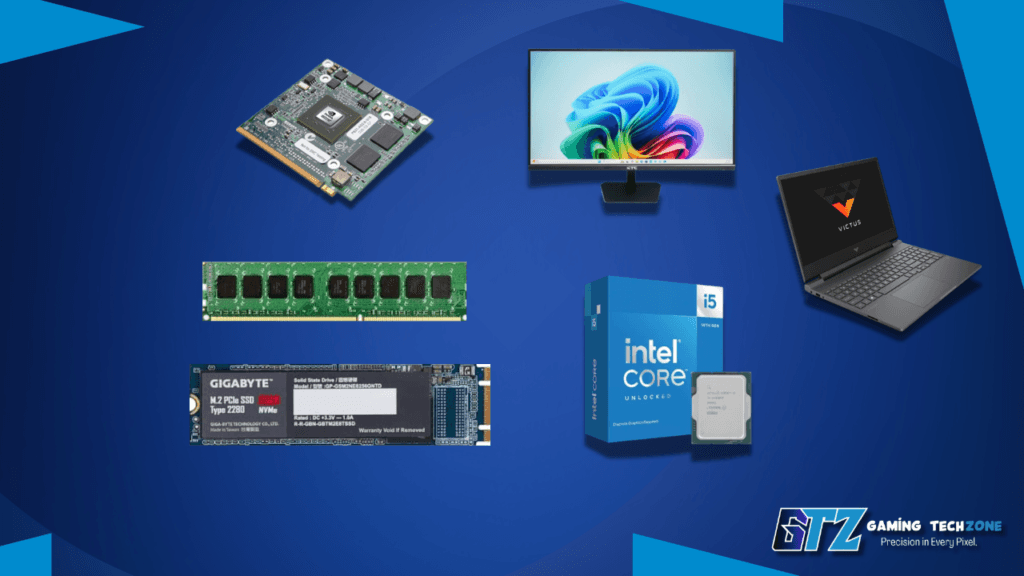
GPU: RTX 3050 vs RTX 4050
The RTX 4050 is the best GPU choice under $600 if available, while the RTX 3050 remains a solid budget option for 1080p gaming. Avoid older MX-series and GTX 1650 laptops, as they offer much weaker gaming performance.
GPU Recommendations Under $600:
- Avoid GTX 1650 laptops: Older hardware with limited future support.
- RTX 4050: Best option with DLSS 3 support and better performance headroom.
- RTX 3050: Good for esports and older AAA games at 1080p medium settings.
- RTX 4050 advantage: Handles demanding games better with features like frame generation.
- Avoid MX-series GPUs: Not designed for serious gaming performance.
RAM: Why 8GB Ships Standard Now (and the Fix)
16GB RAM is the recommended choice for gaming laptops under $600, but 8GB can work for basic gaming. If the laptop has an upgrade slot, adding more RAM is a worthwhile upgrade.
RAM Recommendations:
- Best choice: Prioritize upgradeable models if buying with 8GB RAM.
- 8GB RAM: Works for single-game sessions but can struggle with multitasking.
- 16GB RAM: Better for gaming with Discord, browsers, and background apps.
- Upgrade option: Many laptops include a free SO-DIMM slot for easy upgrades.
- Upgrade cost: A 16GB kit usually adds around $30–$50.
CPU, Storage, and Display
A 13th-gen Intel Core i5 (like the i5-13420H) or AMD Ryzen 5 handles both gaming and everyday multitasking without bottlenecking the GPU at this tier. Look for at least a 512GB SSD — anything smaller fills up fast once you’ve installed two or three modern games.
On the display side, prioritize refresh rate over resolution or brightness. For a 1080p gaming laptop in this price range, a 144Hz panel is what actually changes how games feel, especially in fast-paced shooters.
Best Gaming Laptops Under $600 in 2026 (Our Top Picks)
These are 6 of the best cheap gaming laptops in the ~$600 price range.
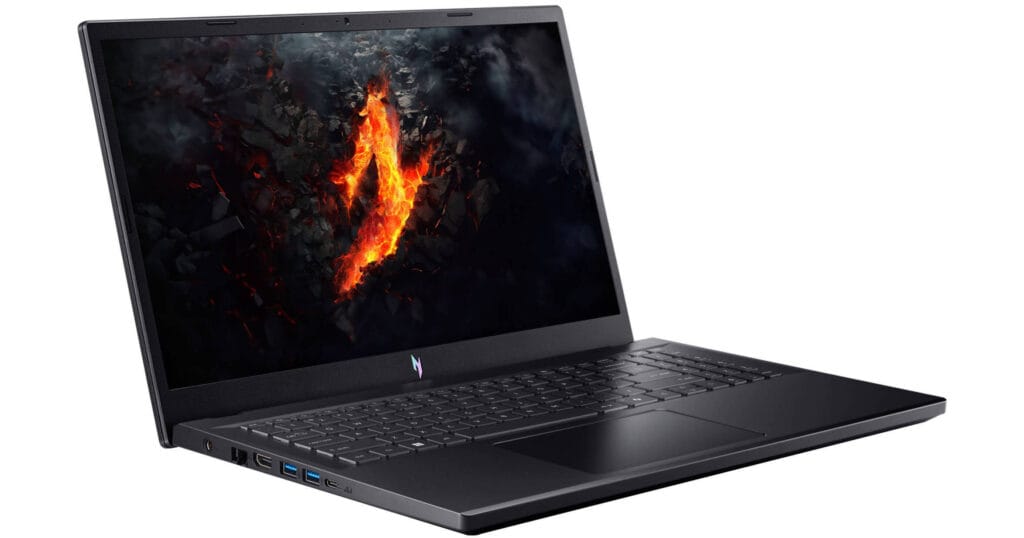
1. Acer Nitro V 15 (RTX 4050) — Best Overall
The Nitro V 15 pairs an RTX 4050 with an i5-13420H (or a Ryzen 5 7535HS variant), a 144–165Hz FHD IPS display, and a 512GB Gen 4 SSD. It’s dipped to $599 during major sales events in the past, though 2026’s memory price spike has pushed more typical pricing closer to $650–$700—so timing matters more than ever for this one.
Pros:
- Strongest GPU in this price bracket
- DLSS 3 support
- Upgradeable RAM and storage slots
- 9+ hour battery life in light use.
Cons:
- 8GB RAM out of the box needs an upgrade
- Plastic build
- Screen color accuracy is average.
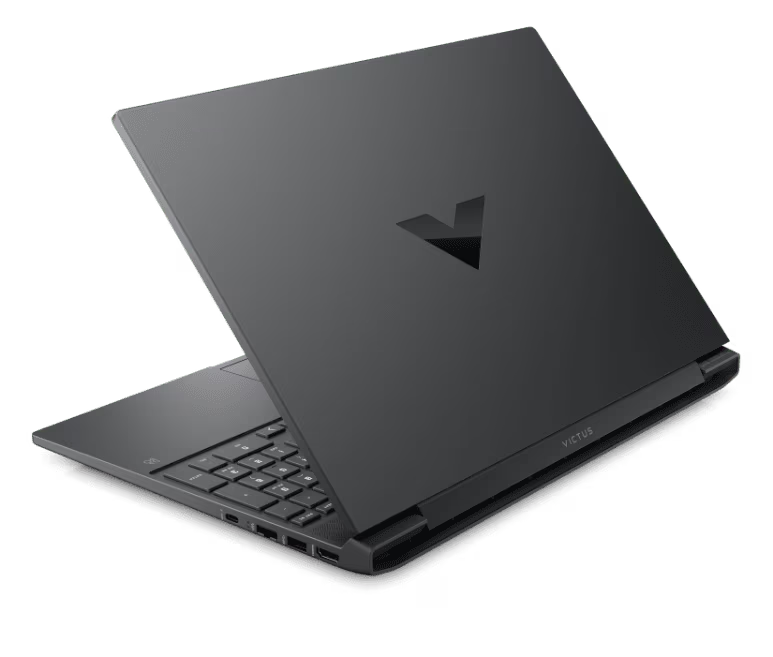
2. HP Victus 15 (RTX 3050) — Most Consistently Available
Unlike the Nitro V, the Victus 15 doesn’t rely on a flash sale to land near $600. It pairs an i5-13420H with an RTX 3050, 8GB RAM, and a 144Hz 1080p screen and has stayed one of the more reliably priced options at this tier through 2026.
Pros:
- Doesn’t require sale-hunting
- Understated design works in school or office settings
- Solid thermals.
Cons:
- RTX 3050 caps you out of newer AAA titles at high settings
- Base 8GB RAM.
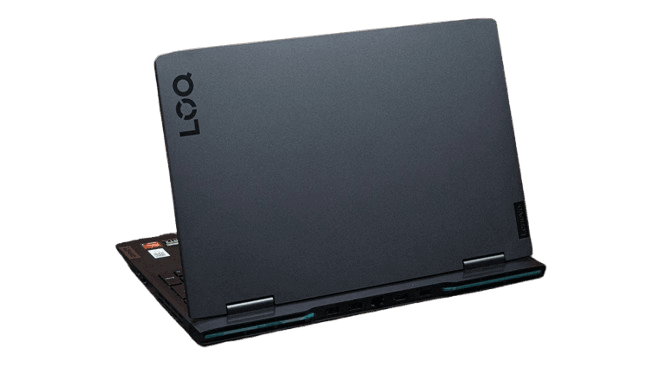
3. Lenovo LOQ 15 (RTX 3050) — Smoothest Visuals
The LOQ 15 brings G-Sync support to its 144Hz IPS panel, which cuts screen tearing more effectively than a standard high-refresh display. It typically retails for $700–$850 depending on configuration but drops into the $550–$600 range during sales events.
Pros:
- G-Sync at this price is rare
- configurable up to 16GB RAM
- clean, understated design.
Cons:
- Specs swing a lot from configuration to configuration, so check the exact sheet before buying.
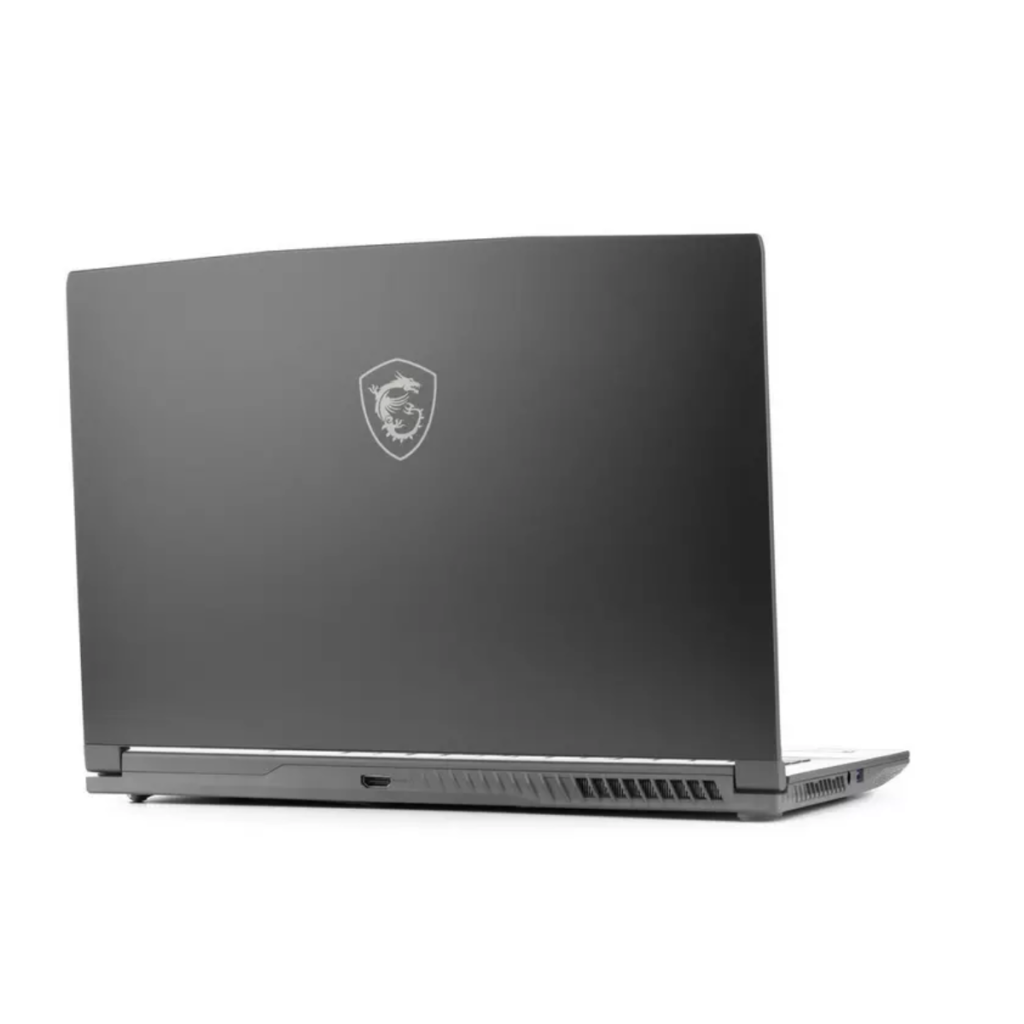
4. MSI Thin A15 / GF63 — Solid AMD Alternative
MSI’s Thin series A15 pairs a Ryzen 5 7535HS with either an RTX 2050 or RTX 3050 depending on the SKU, plus a 144Hz display and 16GB RAM on some configurations — useful if you’d rather skip the RAM-upgrade step entirely.
Pros:
- Some configs include 16GB RAM standard
- Competent cooling
- Lightweight chassis.
Cons:
- RTX 2050 configurations are noticeably weaker than RTX 4050 options
- Plasticky feel.
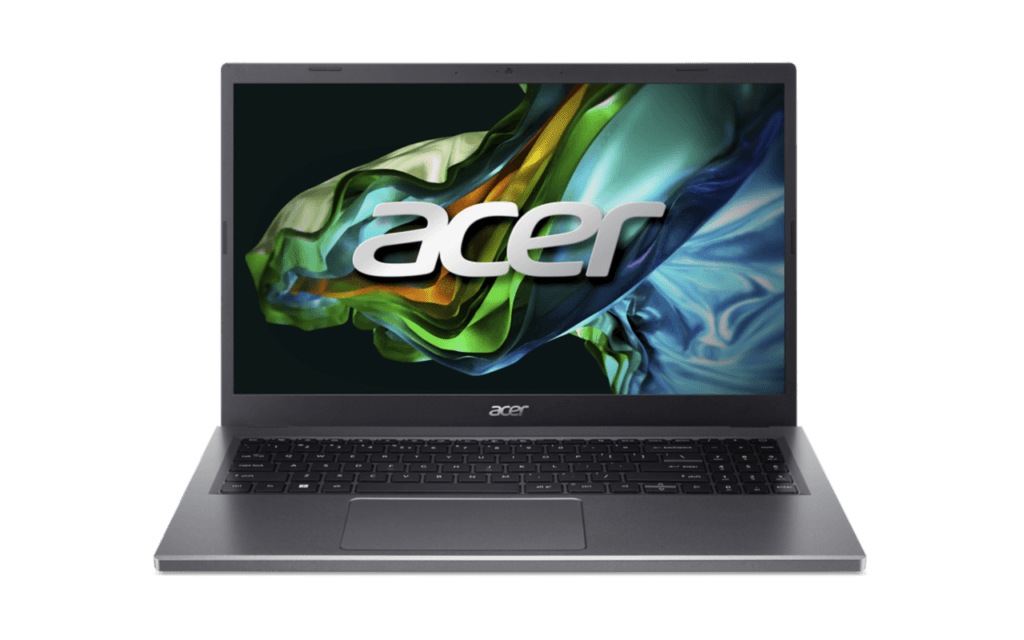
5. Acer Aspire 5 — Best for Light or Esports-Only Gaming
If your budget genuinely can’t stretch to a true gaming GPU, the Aspire 5 with an entry-level discrete chip handles indie titles, older AAA games at medium settings, and esports titles at lower settings — but it’s a step below true gaming-laptop territory.
Pros:
- Cheapest entry point
- Doubles well as a school or work laptop
- Good battery life.
Cons:
- Not a real gaming GPU
- Struggles with current AAA titles.
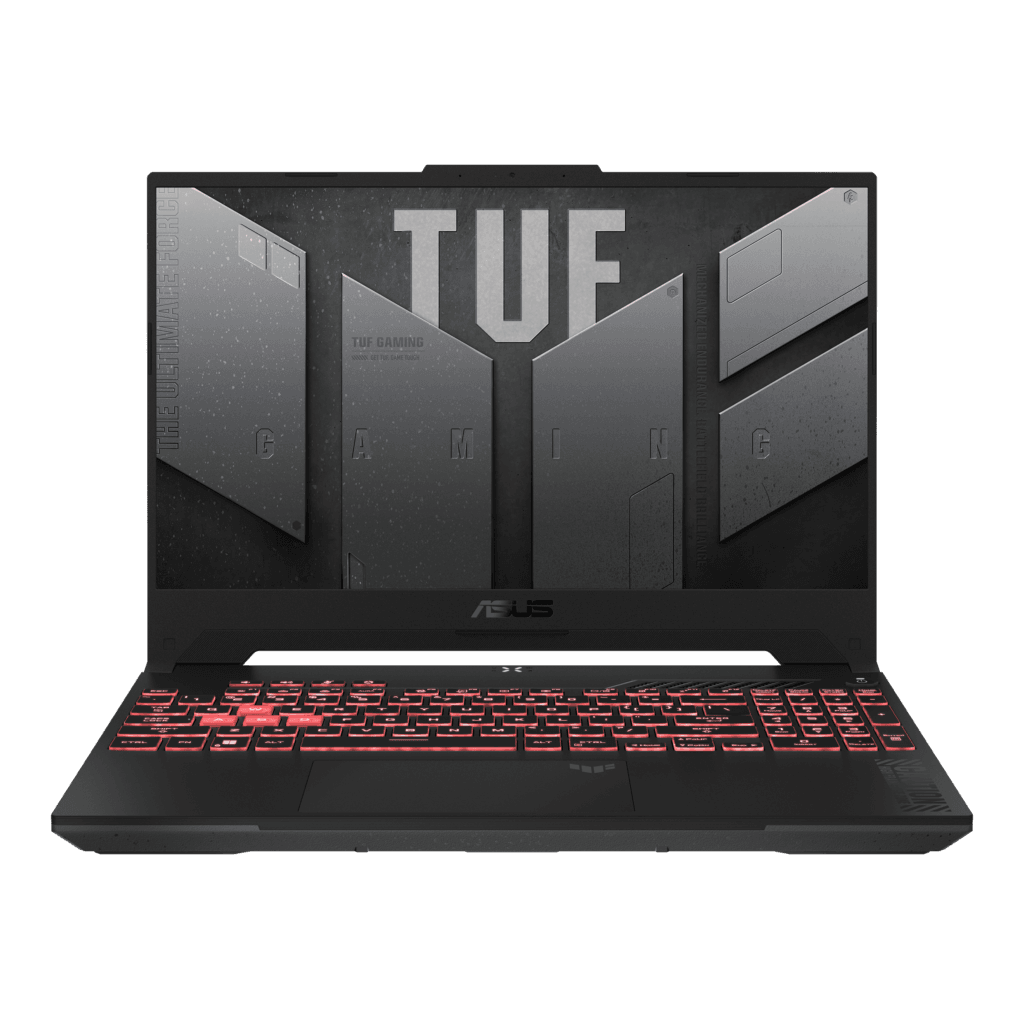
6. ASUS TUF Gaming A15 — Best Build Quality (Watch for Sales)
The TUF A15 typically sits at $650–$750 at list price, but it’s worth tracking. Its military-grade durability testing and strong sustained cooling are a step up from the competition whenever it drops near $600 during a sale.
Pros:
- Best-in-class durability testing
- Strong cooling under sustained load
- Comfortable keyboard.
Cons:
- Usually needs a sale to actually hit $600
- Base configurations can be RAM-light.
7. Macbook Neo—My Recommendation
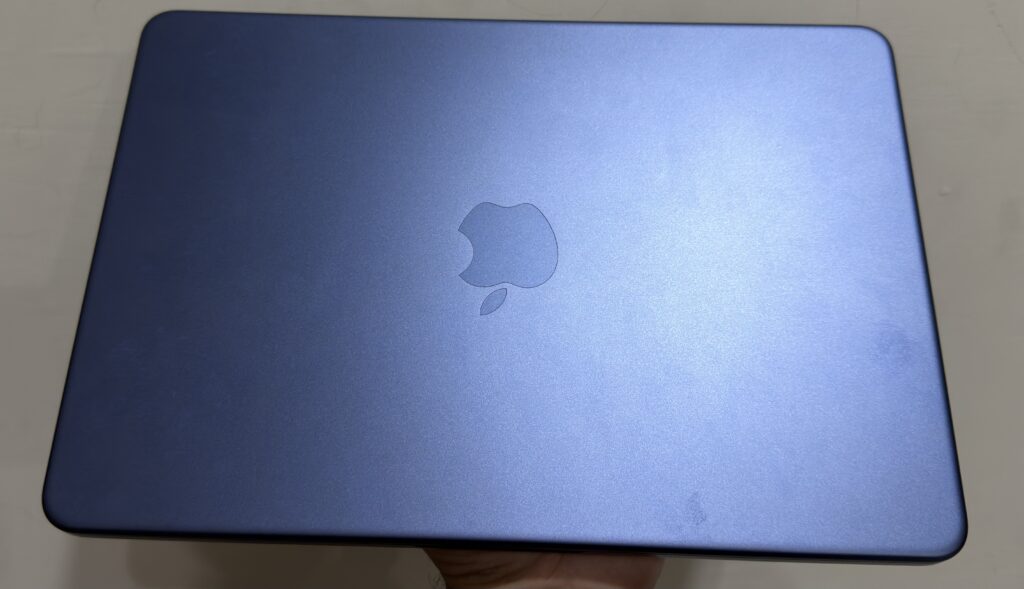
From my own experience using the MacBook Neo, it’s a surprisingly capable laptop for casual gaming. I regularly play Minecraft and Among Us on it, and both run smoothly with responsive performance and excellent battery efficiency.
In my testing, the battery consistently lasts around 8 to 10 hours during everyday use, making it a great option if portability matters. That said, its 8GB of unified memory becomes a limitation for more demanding workloads, and modern AAA games struggle to deliver a smooth experience.
It cost around $699 for standard 256 GB variant, which makes it a great laptop in this price category. If you are a student, then you can apply for the Apple education discount and get this machine for $599.
If you’re considering Apple’s budget laptop for light gaming, students, or everyday productivity, I share my complete hands-on experience in my MacBook Neo review, where I cover its gaming performance, battery life, strengths, and limitations in much greater detail.
Pros:
- Excellent 8–10 hour battery life for all-day use
- Runs light games like Minecraft and Among Us smoothly
- Lightweight, portable design with solid everyday performance
- 2.4K 60 Hz liquid retina display
Cons:
- 8GB RAM limits multitasking and demanding games
- Not suitable for modern AAA gaming
- Limited game compatibility compared to Windows gaming laptops
- only 256 GB storage for $699 variant
Comparison Table
| Laptop | GPU | CPU | RAM | Storage | Display | Best For |
|---|---|---|---|---|---|---|
| Acer Nitro V 15 | RTX 4050 | i5-13420H / Ryzen 5 7535HS | 8GB (upgradable) | 512GB SSD | 144–165Hz FHD | Best overall value |
| HP Victus 15 | RTX 3050 | i5-13420H | 8GB | 512GB SSD | 144Hz FHD | Reliable at-price buy |
| Lenovo LOQ 15 | RTX 3050 | i5-12450HX / Ryzen 5 7235HS | 8–16GB | 512GB SSD | 144Hz FHD, G-Sync | Smoothest visuals |
| MSI Thin A15/GF63 | RTX 2050/3050 | Ryzen 5 7535HS | up to 16GB | 512GB SSD | 144Hz FHD | Skipping the RAM upgrade |
| Acer Aspire 5 | Entry discrete GPU | Varies | 8GB | 256–512GB | 1080p | Light/esports-only gaming |
| ASUS TUF A15 | RTX 3050/4050 | Ryzen 5 / i5 | 8–16GB | 512GB SSD | 144Hz FHD | Durability (on sale) |
| MacBook Neo | – | Apple A18 Pro | 8GB (non-upgradeable) | 256GB | 60 Hz 2.4K Liquid Retina | Casual Gaming |
How We Choose These
We compared live pricing across Amazon, Best Buy, and manufacturer sites, then checked those configurations against independent benchmark data from outlets like Tom’s Hardware and Notebookcheck rather than relying on marketing specs alone.
We prioritized GPU generation and real-world frame rates over RAM and storage, since the GPU is the hardest spec to upgrade after purchase and the one that determines whether a laptop can actually run current games.
Laptops built around outdated, non-gaming GPUs were excluded from our top tier unless they were the only true option at the absolute lowest price point — in which case we flagged the trade-off rather than overselling them as “gaming” laptops. For broader context across every price tier, see our Best Gaming Laptops in 2026 guide.
Sources
Pricing and configuration details were checked against live listings on Amazon, Best Buy, and manufacturer sites (Acer, HP, Lenovo, MSI, and ASUS) as of mid-2026. Component pricing trends and the 2026 memory shortage context were informed by reporting from Tom’s Hardware and Notebookcheck.
Who Should NOT Buy a Gaming Laptop Under $600?
Skip this budget if:
- You want 1440p or 4K gaming
- You expect max settings in new AAA games
- You need 32GB RAM out of the box
- You plan to use ray tracing heavily
- You need professional creator performance
In those cases, jump to atleast the $1000 gaming laptop price category.
People Also Ask For
Yes, but usually through a sale rather than list price. Models like the Acer Nitro V 15 and HP Victus 15 ship with a current RTX 3050 or RTX 4050 GPU and regularly land at or near $600 during promotions or certified-refurbished listings.
Most esports titles (Valorant, CS2, League of Legends) run at 100+ FPS on high settings. Current AAA titles typically run at medium-to-high settings around 60 FPS, depending on the specific GPU.
RTX 4050 if you can find it in range. It adds DLSS 3 support and a meaningful performance jump over the RTX 3050 for a similar sale price.
It’s workable for single-game sessions but tight with background apps running. If your laptop has a free RAM slot, a 16GB upgrade is the single best performance investment you can make after purchase.
Certified-refurbished units from manufacturers, sold with a warranty, are a reasonable way to access higher-tier GPUs like the RTX 4050 within this budget, since refurb pricing isn’t affected by the same component cost increases as new retail stock.
Final Take
A genuinely good gaming laptop under $600 in 2026 is possible, but it rewards patience over impulse-buying. Keep an RTX 3050 or RTX 4050 GPU as your non-negotiable, plan on a RAM upgrade if your budget allows it, and set price alerts on the Acer Nitro V 15, HP Victus 15, or Lenovo LOQ 15 rather than settling for the first listing that happens to fit your number.