

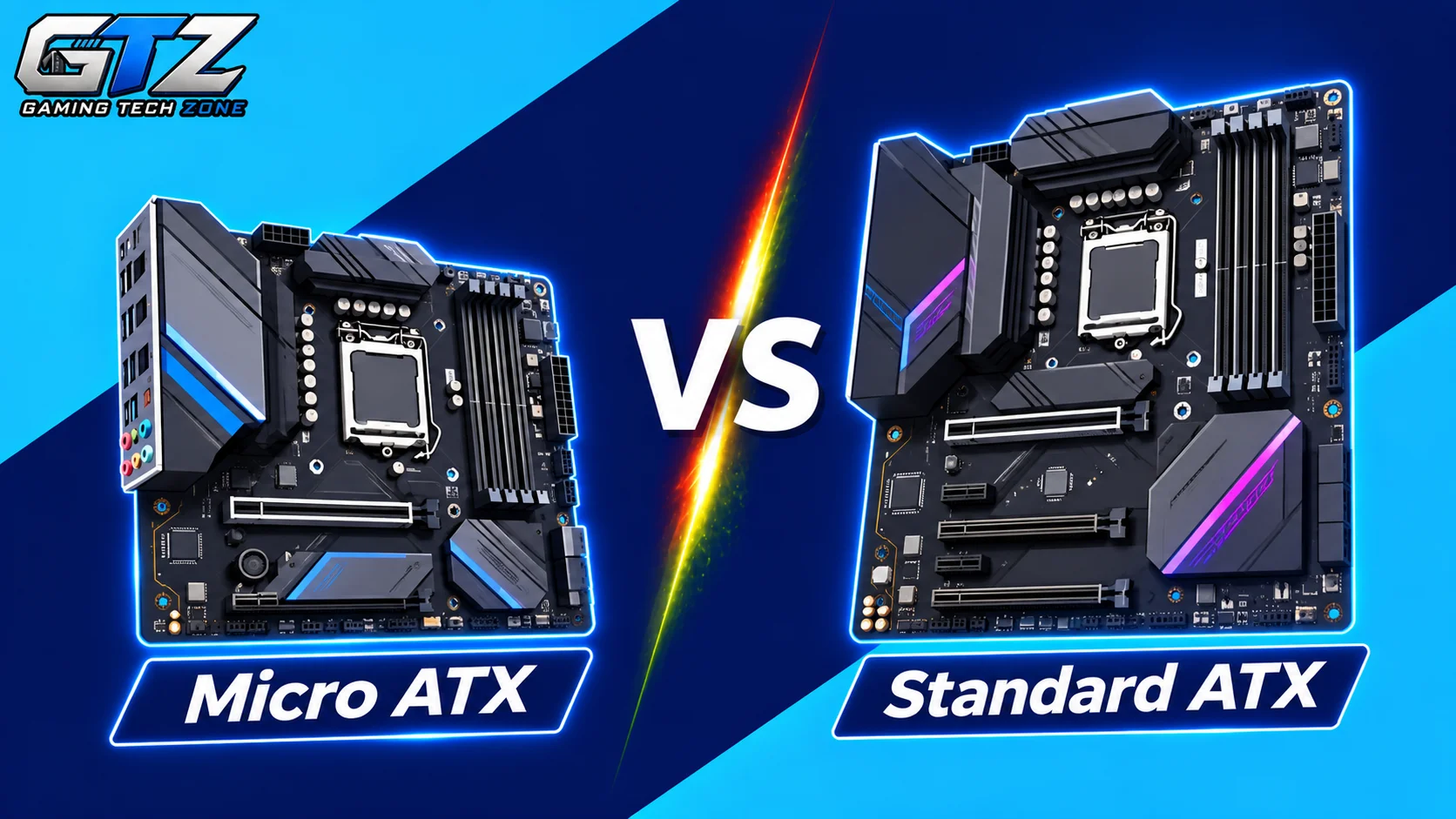
I think choosing the right motherboard is one of the most important decisions when building a gaming PC. When comparing Micro ATX and Standard ATX, I look at factors like size, price, expansion slots, and upgrade options.
Both can support powerful gaming hardware, but each has advantages depending on the type of PC you want to build. The right choice also depends on your budget and available space. In this article, I’ll compare both motherboard sizes to help you choose.
What Is Micro ATX?
Micro ATX, also called mATX, is a compact motherboard form factor. It typically measures 9.6 × 9.6 inches, making it smaller than a Standard ATX motherboard.
Its smaller size makes it suitable for compact gaming PCs and builds with limited space. Micro ATX motherboards usually have fewer expansion slots, but they can still support powerful processors, graphics cards, and other gaming components.
What Is Standard ATX?
Standard ATX, often called ATX, is a larger motherboard form factor that typically measures 12 × 9.6 inches. It offers more space for expansion slots and other connections.
This makes it a good option for gaming PCs that need additional components or more room for future upgrades. However, its larger size requires a compatible PC case with enough space to accommodate it.
Micro ATX vs Standard ATX: A Detailed Comparison
Micro ATX and Standard ATX motherboards can both deliver excellent gaming performance. The main differences come down to their physical size, expansion options, connectivity, and flexibility.
Let’s compare these aspects to see which motherboard size offers more value for your gaming PC.
1. Size and Case Compatibility
Motherboard size affects which PC cases you can use and how much room you have for other components. A smaller motherboard can help you build a compact PC, while a larger one needs more space.
- Micro ATX: Typically measures 9.6 × 9.6 inches. It fits in compatible Micro ATX and Standard ATX cases, making it suitable for smaller builds.
- Standard ATX: Typically measures 12 × 9.6 inches. It requires a compatible ATX case, which generally provides more room for components.
Winner: Micro ATX for compact builds. Standard ATX is better if you prefer a larger case with more room to work inside.
2. Gaming Performance
Gaming performance depends mainly on your processor, graphics card, memory, and the motherboard’s features. The motherboard’s physical size does not directly determine how many FPS you get.
- Micro ATX: Can deliver excellent gaming performance when paired with a suitable CPU, GPU, and other compatible components.
- Standard ATX: Offers similar gaming performance when using comparable hardware. Some models also provide better power delivery and additional features, depending on their design.
Winner: Tie. Neither size has an automatic performance advantage. Compare the specifications and quality of individual motherboards instead.
3. Expansion Slots and Connectivity
Expansion slots and connections let you add components such as graphics cards, sound cards, storage drives, and other accessories. Having more options can be useful if you plan to upgrade your PC later.
- Micro ATX: Usually offers fewer PCIe expansion slots and may have fewer storage connections, depending on the model.
- Standard ATX: Generally provides more expansion slots and can offer more room for additional storage and other components.
Winner: Standard ATX. Its larger layout usually provides more flexibility for adding hardware.
4. Cooling and Airflow
Good cooling helps prevent your CPU and GPU from overheating during long gaming sessions. However, cooling performance depends more on the PC case, fan placement, and component design than on motherboard size alone.
- Micro ATX: Can work well with suitable cooling, but a compact case may leave less room for fans and large components.
- Standard ATX: Often pairs well with larger cases that provide more space for fans, radiators, and airflow paths.
Winner: Standard ATX for larger builds with extensive cooling requirements. A well-designed Micro ATX build can still maintain good temperatures.
5. Price and Value
Your motherboard budget affects the features you can get, including connectivity, power delivery, and storage support. While smaller motherboards are often more affordable, the final price depends on the specific model and chipset.
- Micro ATX: Often offers good value for budget and mid-range gaming PCs, especially if you do not need many expansion slots.
- Standard ATX: Can cost more, particularly when it includes additional connectivity, better power delivery, or premium features.
Winner: Micro ATX for budget-conscious builds in general. However, compare the prices and features of specific models before deciding.
6. Upgrade Potential
Your motherboard determines which components you can add and which upgrades it can support. Planning ahead can help you avoid replacing the motherboard when you want to expand your setup.
- Micro ATX: Supports upgrades such as a better graphics card, additional memory, and compatible storage drives. However, fewer expansion slots may limit some future additions.
- Standard ATX: Usually offers more expansion slots and connections, which gives you greater flexibility to add components as your needs change.
Winner: Standard ATX. Its additional expansion options make it a better choice for gaming PCs that may need more hardware in the future.
Read our guide for a more detailed explanation on choosing the motherboard correctly.
Micro ATX vs Standard ATX: Overall Comparison
| Feature | Micro ATX | Standard ATX |
|---|---|---|
| Typical Size | 9.6 × 9.6 inches | 12 × 9.6 inches |
| Gaming Performance | Similar with comparable hardware | Similar with comparable hardware |
| Case Compatibility | Micro ATX and compatible ATX cases | Compatible ATX cases |
| Expansion Slots | Usually fewer | Usually more |
| Connectivity | Varies by model | Often offers more options |
| Cooling | Depends on case and components | More room in larger cases |
| Price | Often more affordable | Can cost more |
| Upgrade Potential | Suitable for most standard upgrades | Better for extensive upgrades |
| Best For | Compact and budget gaming PCs | Larger builds with more expansion options |
Pros & Cons of Micro ATX Motherboards
Pros
- Smaller size makes it suitable for compact gaming PCs.
- Often costs less than comparable ATX models.
- Supports powerful gaming components.
- Fits in compatible Micro ATX and Standard ATX cases.
Cons
- Usually has fewer expansion slots.
- May offer fewer storage and connectivity options.
- Compact cases can limit room for cooling hardware.
Pros & Cons of Standard ATX Motherboard
Pros
- Usually offers more expansion slots.
- Often provides more connectivity options.
- Gives you greater flexibility for future upgrades.
- Works well with larger gaming setups and cooling systems.
Cons
- Requires a larger compatible case.
- Can cost more, depending on the model.
- May offer unnecessary features for a basic gaming PC.
Which Motherboard Is Best for Gaming?
The best motherboard size depends on the kind of gaming PC you want to build. Both can support modern gaming hardware, so you do not need to choose a larger motherboard simply to get better performance.
Choose Micro ATX if You:
- Want a compact gaming PC that takes up less space.
- Need to keep your build within a budget.
- Plan to use one graphics card and a few additional components.
- Do not need many expansion slots.
Choose Standard ATX if You:
- Want more room for future upgrades.
- Need additional expansion slots or storage connections.
- Plan to install several components or a more extensive cooling setup.
- Prefer a larger case with more room for building and cable management.
Before buying either motherboard, check its CPU socket, chipset, RAM support, storage connections, and compatibility with your other components. These details matter more than the form factor alone.
For a quick understanding of why your motherboards should be compatible with other parts, read our Ryzen 7 7800X3D motherboards guide.
Final Words
Micro ATX and Standard ATX motherboards can both be excellent choices for gaming. Micro ATX is a practical option if you want to save space and money without sacrificing gaming performance. Standard ATX is better suited to builds that need additional expansion options and more room for upgrades.
For most gamers building a straightforward gaming PC, Micro ATX can provide everything they need. If you expect to add more components over time, Standard ATX may be worth the extra space and cost.
People Also Ask
No, Micro ATX is not inherently worse for gaming. Both sizes can deliver similar performance when their features and installed hardware are comparable.
No, motherboard size does not directly determine FPS. Your CPU, GPU, game settings, and other hardware have a much greater impact on gaming performance.
Yes, most ATX cases support Micro ATX motherboards. However, always check the case’s specifications before buying.
Micro ATX motherboards are often cheaper than comparable Standard ATX models. However, prices vary based on the chipset, features, and build quality.
Standard ATX is generally better for future upgrades because it usually offers more expansion slots and connections. Micro ATX can still support many upgrades if its available slots and connections meet your needs.
