

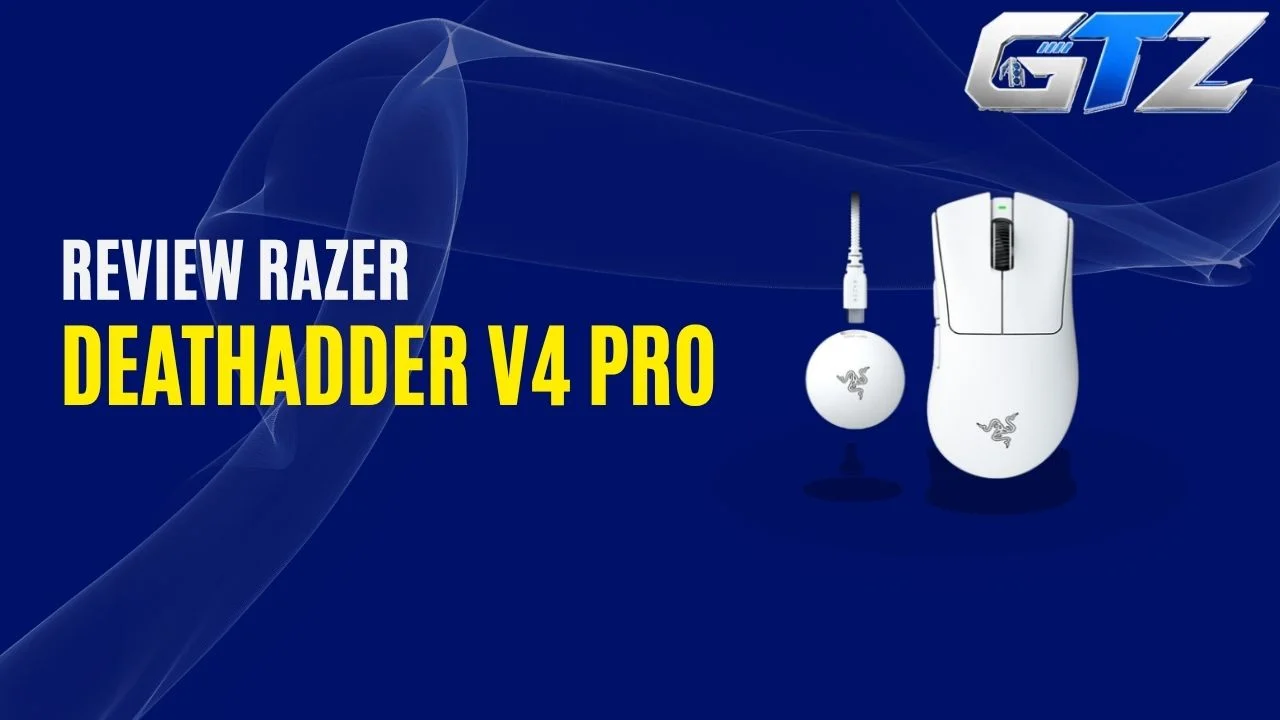
The Razer DeathAdder V4 Pro is one of the mice for gaming PCs worth looking at because it prioritizes speed, precision, and competitive FPS performance.
It keeps the familiar ergonomic DeathAdder shape but introduces a new 45K optical sensor, Gen-4 optical switches, an optical scroll wheel, and 8,000Hz wireless polling. At 56g in the black version, it is also considerably lighter than many traditional gaming mice.
In this guide, I’ll take you through its price, weight, specifications, battery life, connectivity, gaming performance, and overall practicality so you can decide whether its premium price makes sense for you.
What is the Razer DeathAdder V4 Pro?
The Razer DeathAdder V4 Pro is a premium right-handed wireless gaming mouse designed primarily for competitive gaming. It combines a 56g lightweight body with a 45,000 DPI optical sensor, 8K polling, optical switches, and an ergonomic shape.
| Features | Razer DeathAdder V4 Pro |
|---|---|
| Release Date | July 10, 2025 |
| Weight | 56g (Black), 57g (White) |
| Dimensions | 128 × 68 × 44 mm |
| Software | Razer Synapse 4 |
| Price | $169.99 MSRP |
The release date and MSRP come directly from Razer’s launch information and current product specifications, while the dimensions and weight are also confirmed by Razer’s support documentation.
The $169.99 price applies to the standard black and white versions on Razer’s US store. Special editions can cost more. For example, the NiKo Edition is listed at $189.99.
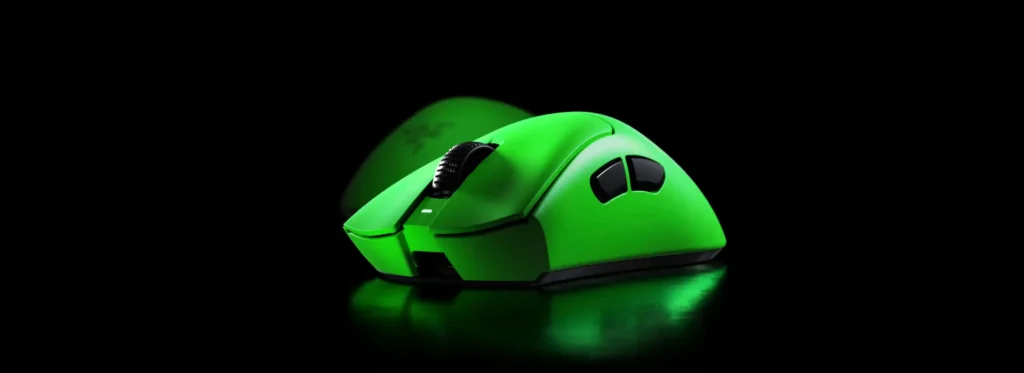
My Quick Assessment on Razer DeathAdder V4 Pro
Before getting into all the technical specifications, here is how I would break down the DeathAdder V4 Pro from a real-world perspective for gaming on PC and gaming laptops.
| Real-World Factor | My Assessment |
|---|---|
| Weight | Excellent for fast FPS movements |
| FPS Performance | Excellent, particularly for competitive play |
| Wireless Performance | Extremely responsive with 8K HyperSpeed Wireless |
| Battery Life | Very good at 1,000Hz, much shorter at 8,000Hz |
| Comfort | Excellent if you prefer a right-handed ergonomic shape |
| Value for Money | Expensive, especially if you do not need 8K polling |
Is Razer DeathAdder V4 Pro Good for FPS Gaming?
Yes, the DeathAdder V4 Pro is particularly well suited to FPS gaming because its 56g weight, accurate Focus Pro 45K Optical Sensor Gen-2, low-latency wireless connection, and high polling rate are all designed around fast and precise mouse movements.
The 8,000Hz polling rate means the mouse can report its position to your computer every 0.125 milliseconds. Razer supports 8,000Hz in both wired and wireless modes.
In practical terms, I would not expect an ordinary player to suddenly aim better simply because they switched to 8K polling. Your sensitivity, mouse control, monitor, FPS, and overall experience still matter.
But if you already play competitively and want a lightweight mouse with very high-end tracking and responsiveness, the V4 Pro gives you the hardware for it.
Is Razer DeathAdder V4 Pro Worth It?
The DeathAdder V4 Pro can make sense if you specifically want its lightweight 56g design, ergonomic shape, 8K wireless polling, premium sensor, and optical switches. At $169.99, however, it is a premium purchase rather than a budget-friendly gaming mouse.
This is also where the previous DeathAdder V3 Pro becomes relevant. Independent testing has found that the V4 Pro improves the sensor, switches, scroll wheel, weight, battery life, and included wireless dongle, but the difference may not justify replacing a perfectly good V3 Pro for every user.
What are the Razer DeathAdder V4 Pro Specifications?
Here is the complete specification overview before I break down the individual components.
| Specifications | Razer DeathAdder V4 Pro |
|---|---|
| Form Factor | Right-handed ergonomic |
| Weight | 56g Black / 57g White |
| Dimensions | 128 × 68 × 44 mm |
| Sensor | Focus Pro 45K Optical Sensor Gen-2 |
| Maximum DPI | 45,000 |
| Maximum Speed | 900 IPS |
| Maximum Acceleration | 85G |
| Polling Rate | Up to 8,000Hz |
| Wireless | Razer HyperSpeed Wireless Gen-2 |
| Wired Connection | USB-C |
| Programmable Buttons | 6 |
| Switches | Razer Optical Mouse Switches Gen-4 |
| Switch Lifecycle | 100 million clicks |
| Scroll Wheel | 24-step optical |
| Mouse Feet | 100% PTFE |
| Battery Life | Up to 150 hours at 1,000Hz |
| Battery Life at 8K | Up to 22 hours |
| RGB | None |
| Software | Razer Synapse 4 |
| Onboard Memory | 1 profile |
These specifications are based primarily on Razer’s current product and support pages.
1. Battery and Charging
Battery life is one of the areas where the DeathAdder V4 Pro has improved substantially over its predecessor.
Razer rates the mouse for up to 150 hours of battery life when running at 1,000Hz. At the maximum 8,000Hz polling rate, however, Razer lists up to 22 hours.
That difference is important. If you are using 8K polling all the time, you should expect to charge the mouse considerably more frequently. If you drop down to 1,000Hz for everyday use, the battery endurance becomes much more practical.
The mouse can also be used in wired mode through its USB Type-A to USB Type-C cable, so running out of battery does not leave you without a usable mouse.
2. Connectivity and Polling Rates
The DeathAdder V4 Pro gives you two main connection options: Razer HyperSpeed Wireless Gen-2 and wired USB connectivity.
The wireless connection supports up to 8,000Hz polling, while the wired connection can also reach 8,000Hz. Razer says its HyperSpeed Wireless Gen-2 technology provides improved power efficiency and lower latency compared with the previous generation.
You can select different polling rates depending on your requirements. According to Tom’s Hardware, the commonly supported rates include 1,000Hz, 2,000Hz, 4,000Hz, and 8,000Hz.
One thing you will not find here is Bluetooth. That is not necessarily a problem for a competitive gaming mouse, but it does mean the DeathAdder V4 Pro is less versatile as a general-purpose wireless mouse.
3. Sensors and Gaming Performance
The DeathAdder V4 Pro uses Razer’s Focus Pro 45K Optical Sensor Gen-2.
The headline numbers are impressive, such as up to 45,000 DPI, far higher than the Razer Viper V2 Pro and Logitech G903. Also, it offers 900 IPS tracking speed and 85G maximum acceleration. Razer also claims 99.8% resolution accuracy for the sensor.
What does that mean for you? In an FPS game, you want your physical mouse movement to translate into predictable cursor movement. The sensor is designed to provide precise tracking even during fast swipes and direction changes.
You also get features such as Dynamic Sensitivity, Mouse Rotation, and Sensitivity Matcher through Razer’s software ecosystem.
For competitive FPS players, the combination of a high-end sensor and 56g body is arguably more important than simply having a huge DPI number. Most players will never need to use anything close to 45,000 DPI.
4. Buttons and Switches
The DeathAdder V4 Pro has six programmable buttons, which give you the standard left and right clicks, scroll-wheel click, two side buttons, and an additional button arrangement associated with the mouse’s controls.
Razer’s official specifications list six programmable buttons. This is not a mouse designed around having a huge number of buttons. Instead, Razer has kept the control layout relatively simple so that the body can remain lightweight.
That makes sense for FPS gaming. You generally need your primary clicks and side buttons to be easy to reach without accidentally pressing something while performing a fast flick or repositioning your hand.
5. Switch Technology
Razer uses its Optical Mouse Switches Gen-4 in the DeathAdder V4 Pro.
These switches are rated for up to 100 million clicks and are designed to provide a crisp click response while avoiding the traditional mechanical contact method.
The benefit is not simply the advertised click lifespan. Optical switches can also help reduce the possibility of traditional mechanical switch issues such as double-clicking caused by physical contact degradation.
Razer has also redesigned the click mechanism to improve the overall click feel compared with earlier versions.
6. Ergonomics and Design
This is one of the biggest reasons to consider the DeathAdder V4 Pro.
Rather than switching to a symmetrical shape to save weight, Razer has retained the recognizable right-handed ergonomic DeathAdder design. The mouse measures 128mm long, 68mm wide, and 44mm high.
At 56g, the black version is extremely light for a mouse of this size. The surface has also been changed to a smooth-touch finish. Razer says the design uses reinforced side walls and a re-engineered internal structure to maintain strength while reducing weight.
You also get large 100% PTFE feet designed to help the mouse glide smoothly across a mouse pad. Razer includes grip tape in the package as well, which can be useful if you prefer a more textured grip for claw grip and palm grip.
The biggest thing to remember is that the shape is still ergonomic and right-handed. If you prefer small, symmetrical mice, the DeathAdder V4 Pro may feel relatively large regardless of its low weight.
Pros and Cons of Razer DeathAdder V4 Pro
| Pros | Cons |
|---|---|
| Extremely lightweight 56g design | Expensive at $169.99 |
| Excellent Focus Pro 45K optical sensor | |
| 8,000Hz polling in both wireless and wired modes | |
| Up to 150 hours of battery life at 1,000Hz | |
| 100-million-click optical switches and optical scroll wheel |
The biggest advantage is that Razer has managed to combine an ergonomic full-size shape with a remarkably low weight. You also get the 8K wireless dongle as part of the package rather than having to purchase a separate high-polling accessory.
The main drawback is straightforward, which is price. At $169.99, this is a premium gaming mouse, and many players will not notice enough practical improvement from 8K polling and its other high-end features to justify spending that much.
Final Thoughts
The Razer DeathAdder V4 Pro takes the familiar DeathAdder formula and focuses heavily on reducing weight and improving competitive performance.
At 56g, it is remarkably light, while the Focus Pro 45K Optical Sensor Gen-2, Gen-4 optical switches, 8K polling, and HyperSpeed Wireless Gen-2 give it specifications aimed squarely at serious gaming.
Battery life reaches up to 150 hours at 1,000Hz, although 8K polling reduces that figure considerably. The biggest question is the $169.99 price. If you want a premium ergonomic FPS mouse with cutting-edge specifications, the V4 Pro has the hardware to deliver.
