

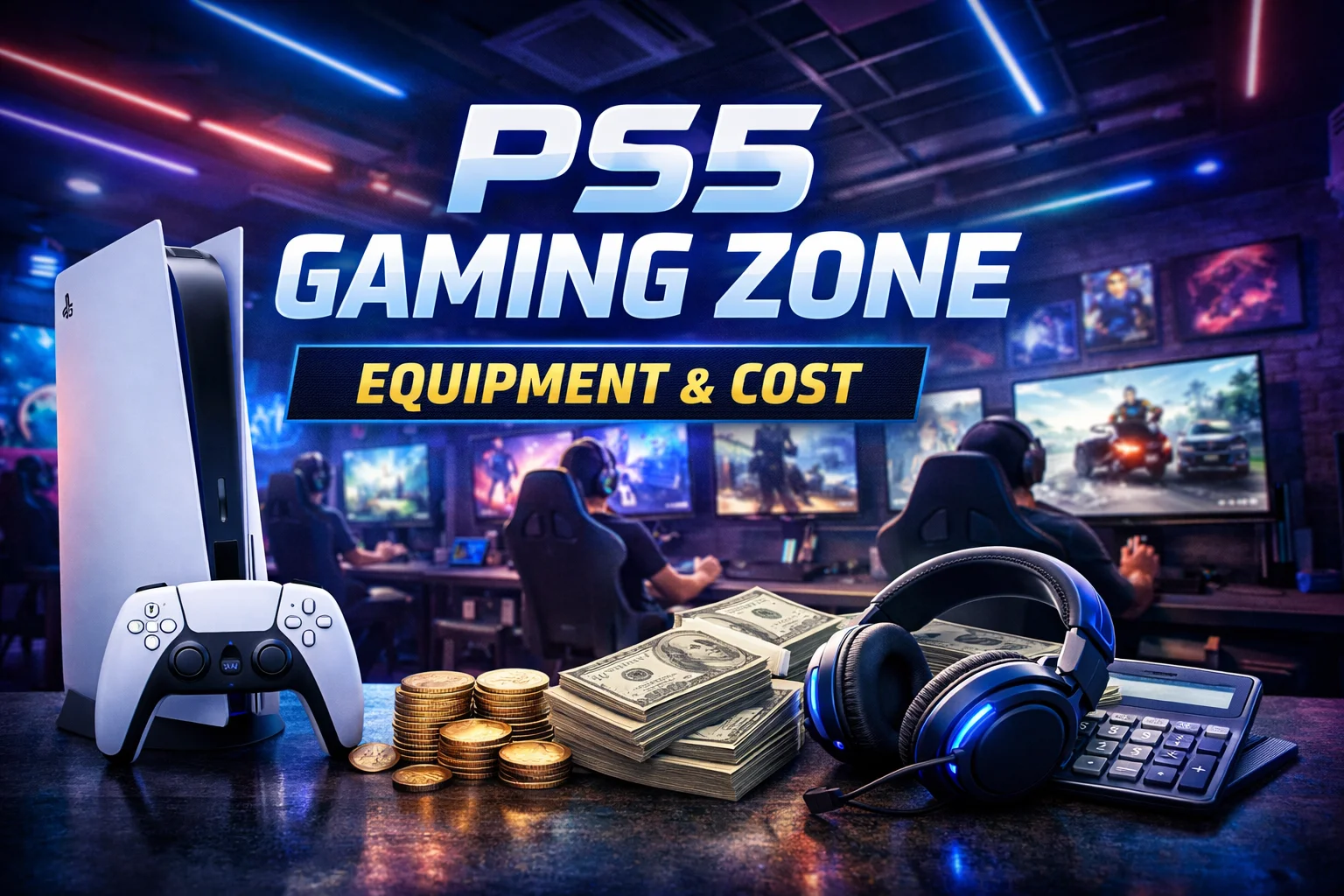
A PS5 gaming zone is a very profitable gaming arena. Since it’s profitable, the investment you have to make to set it up is very high as well. If I give you a rough idea, setting up a PS5 gaming zone can cost you around $6,000 to $8,000 for four basic stations.
The major equipment this gaming zone has usually includes PS5 consoles, 4K TVs, extra controllers, gaming headsets, furniture, cables, and networking equipment.
What I want you to understand is that the overall cost is not definite. It depends on different things, such as the number of gaming stations you want to add in the zone. In this blog post, I’ll break down the main equipment and costs you should consider in 2026.
How Much Does It Cost to Set Up a PS5 Gaming Zone?
A small PS5 gaming zone with 4 stations can cost around $6,000 to $8,000 for the basic equipment. This includes the consoles, TVs, extra controllers, headsets, furniture, cables, power accessories, and basic networking equipment.
The exact cost for setting up the gaming zone depends on the PS5 model and TV you choose. For example, Sony’s U.S. recommended prices are currently $649.99 for the PS5, $599.99 for the PS5 Digital Edition, and $899.99 for the PS5 Pro. These prices took effect on April 2, 2026.
A simple estimate looks like this:
| Gaming Zone | Estimated Equipment Cost |
|---|---|
| 2 stations | $3,000–$4,000 |
| 4 stations | $6,000–$8,000 |
| 6 stations | $8,500–$11,500 |
| 8 stations | $11,000–$15,000 |
These estimates are based on PS5 stations, so your equipment budget can change if you plan to offer other types of gaming as well. For example, adding PC gaming stations means budgeting for gaming PCs, monitors, keyboards, mice, and other PC-specific equipment.
If you want to add PC gaming without going for the most expensive systems, our guide to the best gaming PCs for every budget can help you choose systems based on the games and budget you have in mind.
How Your Gaming Zone Theme Affects Cost
The type of gaming experience you want to create can also affect your setup cost. For example, a Cyber Hub gaming zone can have a broader setup with different gaming options, such as PCs, consoles, VR stations, or other entertainment facilities.
This can increase the equipment, space, networking, furniture, and cooling requirements compared with a smaller venue focused on one type of gaming.
The same goes for themed zones for esports or casual gatherings. If you are deciding between an esports gaming arena and a casual gaming lounge, read my Esports Gaming Arena vs Gaming Lounge guide.
It explains how these venues differ in equipment, games, tournaments, pricing, and overall experience, which can help you decide what type of setup fits your budget and plans.
What Equipment Do You Need to Set Up a PS5 Gaming Zone?
Each gaming station needs more than a PS5. You want players to have a comfortable place to sit, a good display, enough controllers for multiplayer games, and a headset when they need one.
Here is the main equipment you should plan for.
1. PS5 Console
The PS5 is the main expense for every gaming station.
In the U.S., Sony’s current recommended prices are:
- PS5 Digital Edition: $599.99
- PS5: $649.99
- PS5 Pro: $899.99
For a gaming zone, the standard PS5 is a practical option because it gives you the disc drive while costing considerably less than the PS5 Pro.
The Digital Edition can reduce the initial console cost, but you will need to rely on digital games. The PS5 Pro gives you a more powerful console, but spending around $250 more than the standard PS5 at every station can increase the total budget quickly.
For example, using four standard PS5 consoles at $649.99 each puts the console cost at about $2,600 before tax.
2. 4K TV or Gaming Monitor
A 43 to 55-inch 4K TV is a practical choice for most PS5 gaming zones. Budget 43-inch models can cost around $150 to $300, while a good setup can cost $200 to $400 per TV.
Look for:
- 4K resolution
- Game Mode
- Low input lag
- HDMI 2.1
- 120Hz refresh rate
- VRR support
You do not need an expensive OLED TV for every station. A good 4K TV can provide a solid gaming experience at a lower cost.
If you are considering a different type of gaming setup, the display requirements can change. For example, a VR gaming zone uses VR headsets as the main display instead of a TV at each gaming station.
This can change your equipment budget and space requirements, so consider the type of gaming experience you want to offer before finalizing your setup.
3. Extra DualSense Controllers
One PS5 comes with one controller, but a gaming zone needs extra controllers for local multiplayer games like EA Sports FC, NBA 2K, Mortal Kombat, and Tekken.
The standard DualSense costs around $79.99 in the U.S. For four-player gaming, consider keeping three extra controllers per station.
That means:
3 extra controllers × $79.99 = about $240 per station
For four stations, that becomes roughly $960 in additional controllers.
You can keep fewer controllers at each station if most of your customers play one-on-one games. However, having a few spare controllers is useful when one gets damaged or needs charging.
4. Gaming Headsets
Headsets are useful for competitive games and players who want to focus on their own audio.
You do not need a $200 headset for every station. A decent wired PS5 headset can work well for a gaming zone and also avoids charging several wireless headsets every day.
For example, the HyperX Cloud III is currently listed at $69.99 in one Best Buy listing, with the regular price shown as $99.99. If picking the right headset is still confusing, I recommend reading our guide on the best gaming headsets. This guide breaks down 5 main options for different budgets and will help you pick the right option easily.
A good budget is around $50 to $80 per headset.
5. Gaming Chairs and Tables
Players may spend hours at your gaming zone, so uncomfortable furniture can quickly become a problem.
You do not have to buy expensive gaming chairs. Current Best Buy listings include gaming chairs around $105 to $180, while budget gaming desks can be found around $75 to $150.
For a commercial setup, you can also use regular comfortable chairs and sturdy tables. This can be cheaper than buying a branded gaming chair for every station.
Plan around $150 to $300 per station for basic furniture if you want to keep the budget under control.
6. HDMI Cables and Power Protection
You also need a few basic accessories for each station, which can cost around $60 to $100 per setup. These accessories include:
- HDMI cable
- Surge protector
- Ethernet cable
- Charging cable
- Cable management accessories
These items are inexpensive individually but add up across multiple stations. Keep a few spare HDMI and charging cables for quick replacements.
7. Internet and Network Equipment
A PS5 gaming zone needs a reliable network for smooth online gaming. You will need:
- Router
- Gigabit Ethernet switch
- Ethernet cables
- Reliable internet
Wired Ethernet can provide a more stable connection than Wi-Fi. An 8-port Gigabit switch costs around $35 to $50, while the router and internet plan are separate costs.
Final Cost Breakdown for PS5 Gaming Zone
Now let’s put the main equipment together.
For this example, I will use a standard PS5, a budget-friendly 4K TV, three extra controllers, one headset, and basic furniture for each station.
| Equipment | Approx. cost per station |
|---|---|
| PS5 | $650 |
| 4K TV | $250–$400 |
| 3 extra DualSense controllers | $240 |
| Gaming headset | $50–$80 |
| Chair and table | $150–$300 |
| HDMI, Ethernet and charging cables | $30–$50 |
| Surge protector/power accessories | $20–$40 |
| Estimated total | $1,390–$1,760 |
This puts a four-station setup at approximately $5,560 to $7,040 for the stations themselves.
You then need to add shared equipment such as the router, network switch, spare accessories, signage, lighting, and other setup items. A realistic equipment budget for four stations would therefore be around $6,000 to $8,000.
Example Cost for 4 PS5 Stations
Here is another way to look at the same setup:
| Equipment | Estimated cost |
|---|---|
| 4 PS5 consoles | $2,600 |
| 4 4K TVs | $1,000–$1,600 |
| 12 extra DualSense controllers | $960 |
| 4 gaming headsets | $200–$320 |
| 4 chairs and tables | $600–$1,200 |
| Cables and power accessories | $200–$300 |
| Router and network switch | $100–$200 |
| Spare accessories and small items | $200–$400 |
| Estimated total | $5,860–$7,580 |
Prices can change with sales and the equipment you choose, so it is better to treat these numbers as a planning range rather than a fixed bill.
You should also keep commercial costs separate from this equipment budget. Rent, electricity, air conditioning, staff, internet service, maintenance, and any required business or software licensing can add to the total.
If you plan to offer online multiplayer, remember that PlayStation Plus Essential currently costs $79.99 for 12 months in the U.S. and includes online multiplayer. However, a commercial gaming zone should check the applicable terms and licensing requirements for the games and services it uses instead of assuming a normal consumer subscription covers every business use.
How to Save Money While Setting Up a PS5 Gaming Zone?
You can keep the setup affordable by spending more on the equipment that affects gameplay and cutting costs on items that have less impact.
- Use standard PS5 consoles: You can save a lot by choosing the standard PS5 instead of putting a PS5 Pro at every station.
- Choose affordable 4K TVs: Look for TVs with 4K resolution, low input lag, and Game Mode instead of paying extra for premium features.
- Buy extra controllers based on demand: Start with two or three extra controllers per station and add more if your customers need them.
- Choose practical gaming furniture: Comfortable chairs and sturdy tables matter more than expensive RGB gaming furniture.
- Use wired internet: Ethernet connections can give your PS5s a stable connection without requiring expensive networking equipment.
- Buy accessories in bulk: Buying HDMI cables, Ethernet cables, charging cables, and other small accessories together can help reduce the cost.
- Keep spare equipment: A few backup controllers, headsets, and cables can be cheaper than replacing a complete station when something stops working.
- Start with fewer stations: Opening with two or four stations lets you test demand before spending money on a larger setup.
- Look for sales: Compare prices before buying PS5s, TVs, controllers, and other major equipment, as retailer discounts can lower the initial cost.
Final Words
A PS5 gaming zone can cost around $6,000 to $8,000 for four basic stations in the U.S. in 2026. The PS5s, TVs, and extra DualSense controllers will take up most of the budget, while furniture, headsets, networking, and power accessories add to the final cost.
You can reduce the initial investment by using standard PS5 consoles, reasonably priced 4K TVs, practical furniture, and wired networking. Just remember that this equipment budget does not include rent, electricity, staff, internet service, maintenance, or other business expenses.
People Also Ask
A four-station PS5 gaming zone can cost around $6,000 to $8,000 for basic equipment in the U.S. in 2026. The final amount depends on your PS5 model, TVs, controllers, furniture, and other accessories.
You can start with two PS5s for a small setup. Four to eight stations give you more room for customers and multiplayer gaming.
Sony’s current recommended U.S. prices are $599.99 for the PS5 Digital Edition, $649.99 for the PS5, and $899.99 for the PS5 Pro.
Yes. One controller comes with the PS5, but extra controllers are useful for local multiplayer games. A standard DualSense currently costs around $79.99 in the U.S.
PlayStation Plus Essential includes online multiplayer and currently costs $79.99 for 12 months in the U.S. However, commercial gaming businesses should check the applicable PlayStation and game licensing terms before using consumer services for paid public gaming.
