

Most PC builders obsess over the GPU, and understandably so. But after building and benchmarking dozens of gaming rigs, one pattern keeps showing up: a weak CPU will strangle even the most powerful graphics card on the market.
The processor handles everything running in the background physics, AI behavior, asset streaming, and the constant back-and-forth with your GPU and RAM. When it falls behind, frame rates drop, stutters creep in, and your shiny RTX 5080 sits there underused.
In 2026, the CPU landscape has shifted significantly. AMD’s X3D lineup has widened its lead in pure gaming performance, while Intel holds firm for creators and streamers.
This guide breaks down the best gaming CPUs available right now, explains who each one is actually for, and helps you build a balanced PC, not just a spec-sheet flex.
Why Your CPU Matters More Than You Might Think?
The GPU renders frames, but the CPU decides what gets rendered and when. Every NPC decision, bullet trajectory, crowd simulation, and physics interaction passes through your processor before the graphics card ever gets involved.
In fast-paced games like Call of Duty: Warzone or Cyberpunk 2077 with dense NPC environments, the CPU is constantly under load.
The most common sign of a CPU bottleneck isn’t a low average FPS, it’s inconsistent framing. You’ll see GPU usage sitting at 70–80% while your 1% lows tank, causing that jarring stutter that no graphics setting can fix.
How Resolution Changes the Equation?
Your target resolution directly shapes how much your CPU matters:
- 1080p at high refresh rates: CPU-heavy. The GPU finishes frames fast, so the processor becomes the limiting factor. This is where a weak CPU hurts the most.
- 1440p Balanced load: Both the CPU and GPU contribute meaningfully to performance.
- 4K GPU-dominant: The graphics card is almost always the bottleneck here, so CPU differences shrink considerably.
Playing at 1080p on a 144Hz or 240Hz monitor? This is the most CPU-sensitive gaming scenario. Prioritize a chip with strong single-core performance and a large cache, the improvements to minimum frame rates and frame-time consistency are immediately noticeable.
What to Look for in a Gaming CPU?
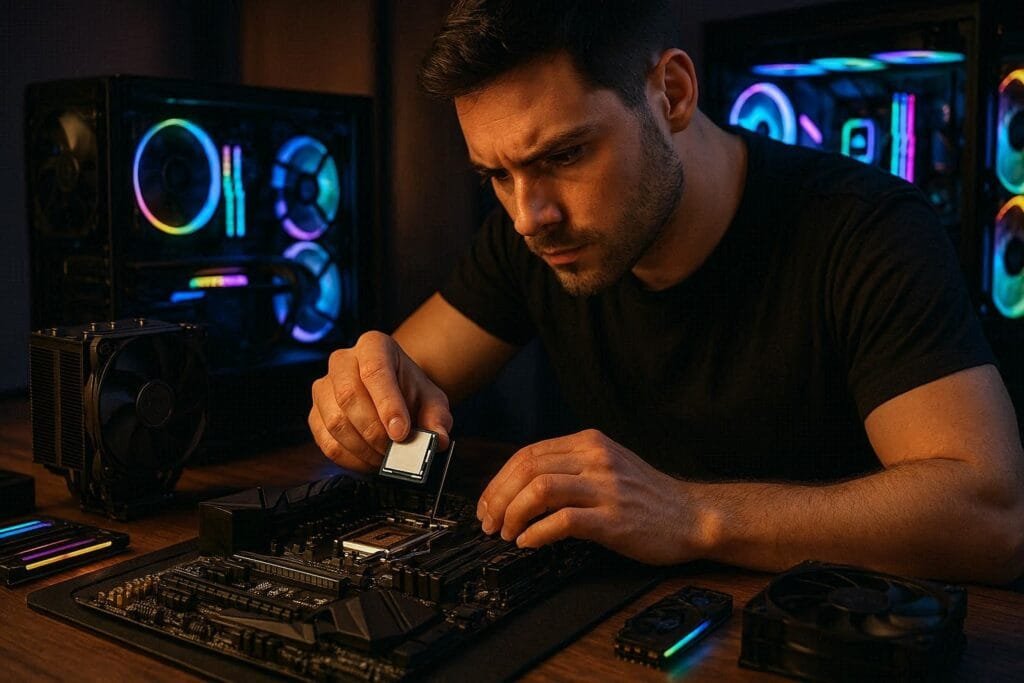
Before buying any product you should check the core counts, clock speed, and cache size.
Core count
For gaming in 2026, 8 cores is the practical minimum for a smooth experience, especially if you run Discord, a browser, or OBS in the background.
Competitive esports titles can get by with 6 cores, but open-world games and modern simulators benefit from 8 to 12. Going beyond 16 cores offers diminishing returns for gaming specifically; those extra cores pay off more in video editing and rendering.
Clock speed
Single-core performance still drives most gaming workloads. Look for processors that boost to 5.0 GHz or higher. Most of today’s top gaming CPUs land between 5.0 and 5.7 GHz under boost.
Cache size
This is the biggest story in gaming CPUs right now. AMD’s 3D V-Cache technology stacks an additional layer of L3 cache directly onto the processor die. The result is a chip that can hold significantly more game data in fast-access memory, dramatically reducing latency.
In practice, the 9800X3D and 9850X3D consistently lead gaming benchmarks — sometimes by 20–30% over chips with similar core counts — precisely because of this cache advantage.
The Best Gaming CPUs in 2026
These are the 3 best gaming CPUs for best performance in 2026.
AMD Ryzen 7 9850X3D
The Ryzen 9850X3D sits at the top of gaming performance charts in 2026. Built on Zen 5 with second-generation 3D V-Cache, it delivers exceptional frame rates at both 1080p and 1440p — and does so without requiring a power-hungry cooling solution.
In demanding titles like Cyberpunk 2077 and Starfield, it consistently outperforms Intel’s comparable offerings in pure gaming frame rates, particularly at the high-refresh-rate scenarios where CPU performance matters most.
It does command a premium price, but for gamers who want the absolute best CPU performance available today, nothing else matches it.
Strengths:
- Fastest gaming FPS available
- Excellent power efficiency
- Strong 1080p and 1440p performance
- Future-ready platform
Weakness:
- High price premium over 9800X3D
- Minimal real-world uplift for casual gamers
- Overkill at 4K resolution
Best paired with:
- RTX 4080
- RTX 5080
- RX 7900 XTX
AMD Ryzen 7 9800X3D: My Recommendation
The Ryzen 9800X3D is the chip most serious gamers should actually buy. It delivers gaming performance within a few percentage points of the pricier 9850X3D, a gap that disappears entirely at 1440p and 4K at a meaningfully lower price.
Its large L3 cache gives it the same architectural advantage that makes the X3D line so dominant in gaming benchmarks. For someone building a high-performance gaming PC who doesn’t need to squeeze every last frame, this is the most sensible purchase on the market today.
I am using the Ryzen 7 9800X3D in my own PC. It is delivering the best performance in CPU-bound games like Valorant and CS2. In Valorant I get around 300 to 400 FPS. Even for GPU-bound games it pairs best with my EVGA 3080 Ti and gives optimal gaming performance.
Our guide is worth reading if you are confused on whether to choose the 9800X3D or 9850X3D.
Strengths:
- Near top-tier gaming performance
- Lower cost than 9850X3D
- Power-efficient under load
- Handles streaming reasonably well
Weakness:
- Weaker multi-threaded productivity vs Intel i7
- Requires AM5 motherboard
- Less advantage in productivity workloads
Best paired with:
- RTX 4070 Ti Super
- RTX 4080
- RX 7900 XT
Intel Core i7-14700K
The Intel i7-14700K is the right choice if gaming is only half the story. Its hybrid core design combining performance cores and efficiency cores excels at multithreaded workloads like live streaming, video editing, and running VMs.
In pure gaming benchmarks it trails the X3D chips, but the gap is small enough at 1440p and 4K that most gamers won’t notice it.
One honest caveat: this is an older architecture at this point, and Intel’s newer generations have since launched. If you’re building fresh, verify current pricing and availability. You may find better value elsewhere in Intel’s lineup. That said, at discounted prices it remains a strong all-rounder.
Strengths:
- Outstanding multi-threaded performance
- Excellent for streaming and editing
- High boost clock speeds
Weakness:
- Higher power draw than AMD rivals
- Older platform, limited upgrade path
- Trails X3D in pure gaming FPS
Best paired with:
- RTX 4070 Super
- RTX 4080
- RTX 5080
Not every gaming PC needs a flagship processor. For 1080p gaming on tighter budgets, the AMD Ryzen 5 7600X and Intel Core i5-13600K both offer excellent performance per dollar.
From my experience, I’d lean toward AMD Ryzen for a gaming PC, mainly because of its strong gaming performance, large cache on models such as X3D chips, efficient architecture, and excellent performance for the money. Whether you’re building a mid-range rig or a high-end gaming PC, Ryzen is a strong choice.
Intel, however, can still make more sense for workloads such as productivity, video editing, content creation, and applications that benefit from its strong multi-core performance and broad software compatibility.
At the end of the day, the right CPU depends on your use case—gaming, streaming, editing, rendering, productivity, or a combination of workloads.
Which CPU Should We Pair With the GPU?
Mismatching your CPU and GPU is one of the most common and costly mistakes in PC building. A high-end GPU paired with a weak CPU will bottleneck at the processor, wasting GPU performance.
A strong CPU paired with a budget GPU bottlenecks at the graphics card instead. Neither scenario gives you the performance you paid for.
| GPU | Matched CPU | Target resolution |
|---|---|---|
| RTX 4060 / RX 7600 | Ryzen 5 7600X / Core i5-13600K | 1080p |
| RTX 4070 Ti Super / RX 7900 XT | Ryzen 7 9800X3D | 1440p |
| RTX 4080 / RX 7900 XTX | Ryzen 7 9800X3D / 9850X3D | 1440p–4K |
| RTX 5080 / RTX 5090 | Ryzen 7 9850X3D / Core i7-14700K | 4K |
Avoid this common mistake: Pairing an RTX 5080 with a Ryzen 5 or Core i5 won’t give you RTX 5080 performance. You’ll spend flagship GPU money and get mid-range gaming results. Always balance both components within the same performance tier.
Future-proofing your CPU choice
Buying a CPU is also a long-term platform decision. Before committing, check whether the motherboard socket will support future processor generations.
AMD’s AM5 platform used by all current Ryzen 7000 and 9000 chips is confirmed to receive at least one more generation of processors, making it a solid investment. Intel’s current situation is more fragmented, so verify the upgrade path for whichever LGA platform you choose.
Other future-proofing checkboxes worth ticking: DDR5 memory support, PCIe 5.0 lanes for next-gen GPU and storage bandwidth, and enough thermal headroom in your case and cooler for the processor you select.
The X3D chips run cooler than you’d expect for their performance level but still benefit from at least a 240mm AIO or a high-end tower air cooler.
The Verdict on Best Processors in 2026
For the majority of gaming PC builders in 2026, the AMD Ryzen 7 9800X3D is the smartest buy: class-leading gaming performance at a price that doesn’t require compromising elsewhere in your build.
If you want the absolute best available and budget isn’t a concern, the Ryzen 7 9850X3D is the benchmark king. And if you split your time between gaming and content creation — streaming, editing, or productivity — the Intel Core i7-14700K remains a capable all-rounder, especially at current street prices.
Whatever you choose, match it to a GPU in the same performance tier. That balance is what separates a well-built gaming PC from an expensive disappointment.
