Is your current PC struggling to keep up with the latest games? Whether you’re dealing with low frame rates, slow load times, or outdated hardware that can’t handle modern AAA titles, upgrading to a gaming desktop can completely transform your experience.
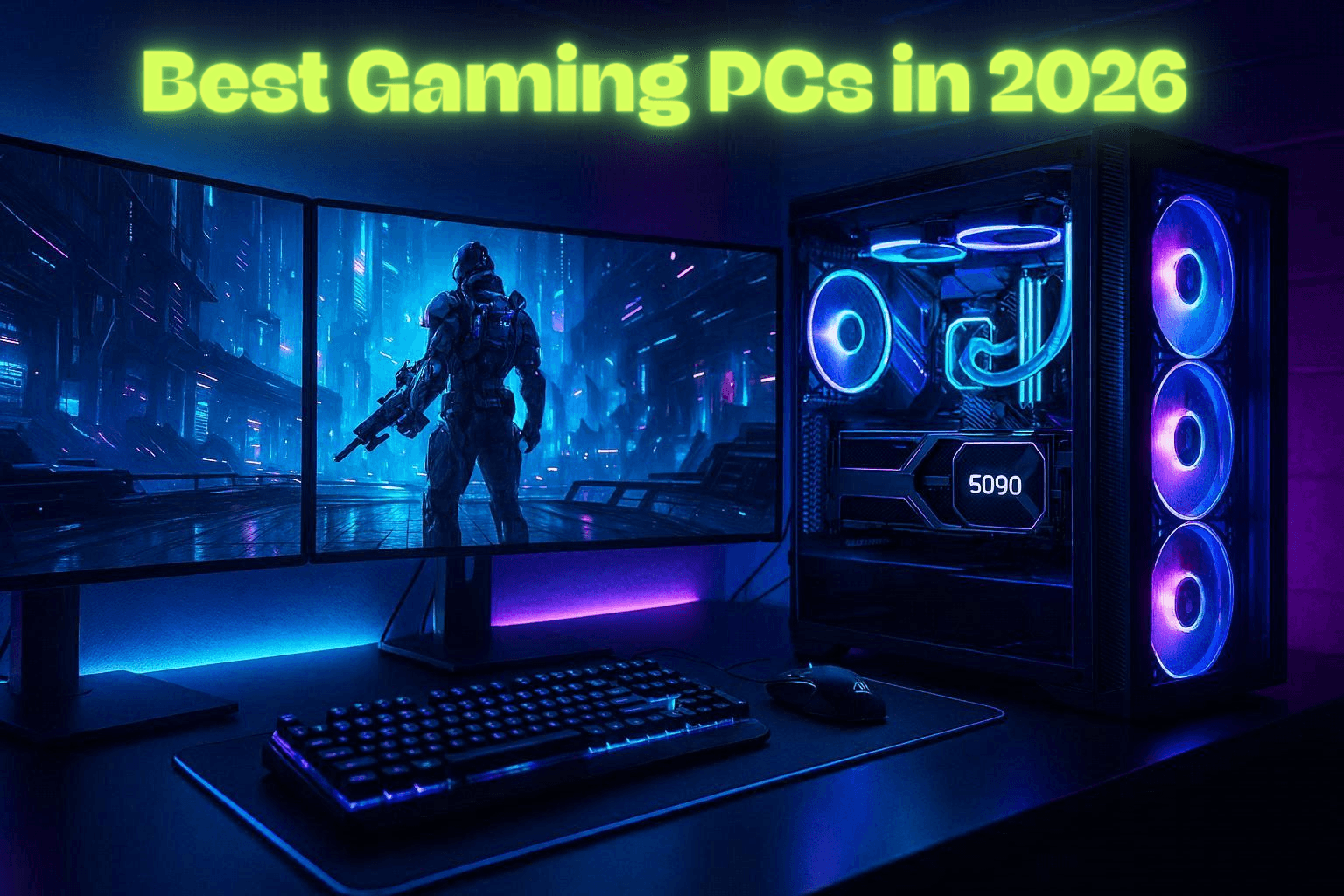
The best gaming PCs in 2026 are more powerful than ever, featuring RTX 50-series graphics, high-performance AMD Ryzen and Intel processors, DDR5 memory, and lightning-fast NVMe SSDs built for smooth, high-refresh gaming. But with so many configurations available, choosing the right one can be confusing.
In this guide, I’ll explain the hardware that matters most and help you find the best gaming PC for your budget and gaming goals.
Key Takeaways
- Performance Priority: If you are looking for better gaming performance, you need to consider the graphics card, as it plays the biggest role in gaming.
- Modern Graphics Card Technology: New RTX 50 series graphics cards from NVIDIA have better AI frame technology and improved ray tracing.
- Gaming Processor: Gaming processors from AMD and Intel provide better gaming performance, such as better frame rates, and multitasking capabilities.
- Fast Storage: PCIe 5 NVMe SSDs provide better gaming performance by reducing loading times.
- Upgrade Potential: Modular gaming desktops provide better gaming performance, as upgrades are available.
Understanding Gaming PC Performance
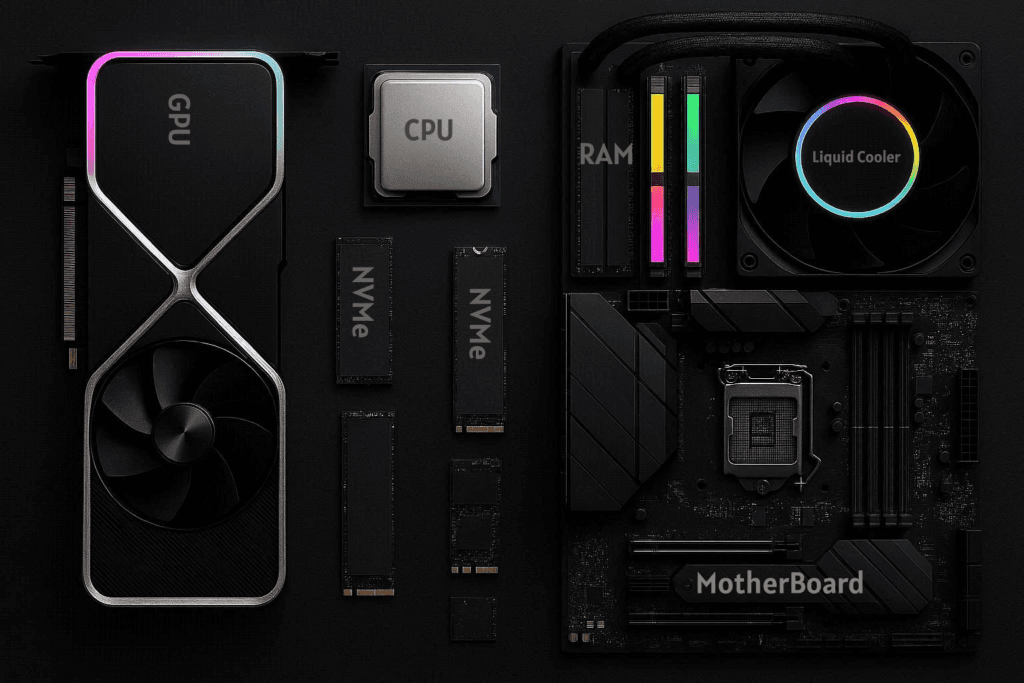
It is important to understand gaming desktops before you choose the Best Gaming PCs. There are various components that affect gaming performance, such as graphics card, processor, memory, and fast storage.
Modern games have better graphics, physics, and artificial intelligence, and for that, better gaming hardware is required.
Graphics Card Technology
The most important part of a gaming desktop computer is the graphics processing unit, or GPU. This part of the computer controls the rendering of images, lighting effects, texture, and other features of the game.
These features combine to create the gaming computer’s graphics. High-end GPUs come from companies such as NVIDIA and AMD. These companies offer the latest features, including ray tracing and AI-generated images. These features ensure the game’s images look as realistic as possible and still achieve a high FPS.
Processor Performance
The processor of a computer controls many of the background processes of the computer. These processes include the game being played, artificial intelligence, and other programs the user runs. A powerful processor ensures the computer runs smoothly, even when the user runs other programs.
Most gaming desktop computers come equipped with a processor that runs at a very high clock speed and has many cores. These processors come from companies such as AMD (Ryzen) and Intel.
What are The Key Features of Gaming PCs?
To find the best gaming desktop computer, the user must know the key features of the computer. These features ensure the computer runs well for a long period of time.
High-Speed DDR5 Memory
DDR5 RAM is now the standard for gaming PCs, offering higher speed and efficiency, while DDR4 was the peak of its time and powered most systems for years. This type of computer memory runs more efficiently and operates at a faster speed.
Most gaming computers come equipped with 32 GB of RAM. This much memory ensures the computer runs smoothly, even when the user runs other programs.
High-Performance NVMe Storage
Gaming computers come equipped with NVMe storage. This storage provides the fastest read and write times, as it connects to the computer using a PCIe 4 or 5 connection. Games loaded on fast SSDs will load much faster.
Advanced Cooling Solutions
High-performance gaming hardware used in gaming desktops tends to produce a lot of heat while running games. Advanced cooling solutions are essential to prevent overheating. Some gaming desktops use liquid cooling solutions, which help cool the hardware.
What are The Types of Gaming PCs?
Gamers have varying hardware demands based on their favorite games, screen resolution, and budgets. Knowing the types of gaming desktops is essential for gamers to purchase the right hardware.
Gamers have many options to choose from, ranging from entry-level gaming desktops that run esports games to high-performance gaming desktops that support 4K gaming.
Entry-Level Gaming PC ( $900 – $1,200 )
This type of gaming PC that cost around $900 is ideal for gamers who want the best gaming performance at affordable prices. They are designed to run games at 1080p resolutions. These gaming desktops are ideal for esports games.
- CPU: AMD Ryzen 5 7600 or Intel Core i5-14600K
- GPU: NVIDIA GeForce RTX 4060 or AMD Radeon RX 7600 XT
- RAM: 16GB DDR5
- Storage: 1TB PCIe 4.0 NVMe SSD
- Motherboard: B650 or B760
- Power Supply: 650W 80+ Gold
- Cooling: Air Cooler DeepCool AK400 or Noctua NH-U12S
- Target Gaming Performance: 1080p High Settings
Mid-Range Gaming ( $1,700 – $2,300 )
Mid-range gaming PCs are ideal for 1440p ultra gaming. These computers are equipped with enough power to run most modern AAA games with smooth FPS and excellent overall performance.
- CPU: AMD Ryzen 7 7800X3D or Intel Core i7-14700K
- GPU: NVIDIA GeForce RTX 4070 Ti Super or AMD Radeon RX 7800 XT
- RAM: 32GB DDR5-6000
- Storage: 1-2TB PCIe 4.0 NVMe SSD
- Motherboard: B650E (AMD) or Z790 (Intel)
- Power Supply: 750W-850W 80+ Gold
- Cooling: 240mm AIO Liquid Cooler
- Target Gaming Performance: 1440p Ultra Settings
A mid-range gaming PC with an RTX 4070 Ti Super can run games like Cyberpunk 2077, Warzone, and Hogwarts Legacy at 1440p Ultra settings with over 100 FPS.
High-End Gaming PC ( $3,200 – $5,000 )
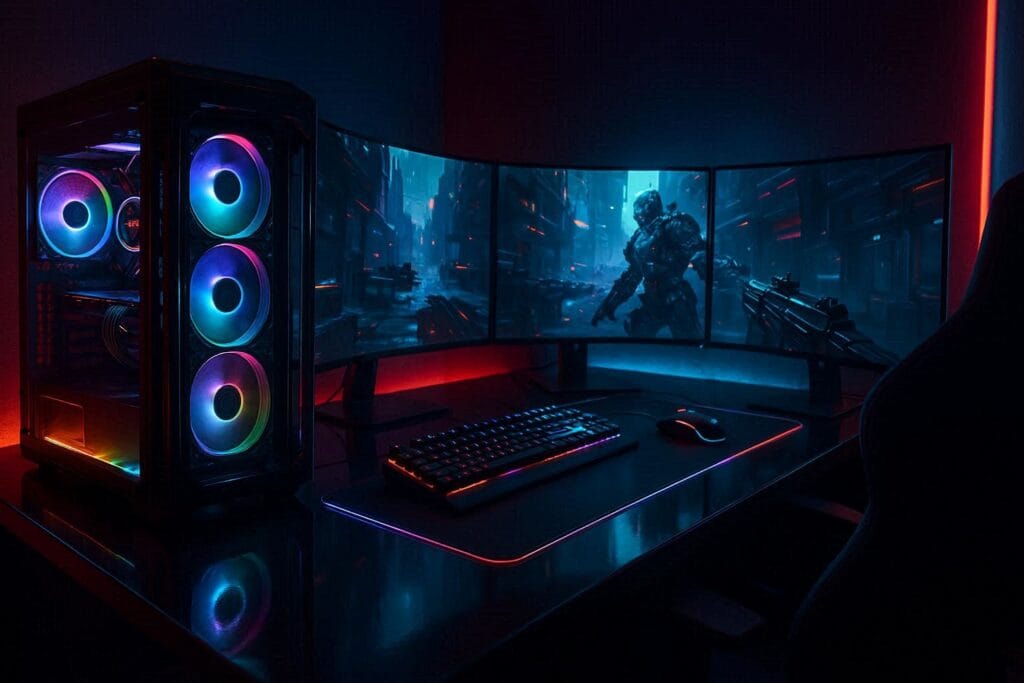
High-end gaming PCs are designed to deliver the absolute best performance. These computers are equipped with enough power to play the most demanding games at 4K resolution with ultra graphics and ray tracing.
- CPU: AMD Ryzen 9 9950X3D or Intel Core Ultra 9 285K
- GPU: NVIDIA GeForce RTX 5080, RTX 5090, or AMD Radeon RX 7900 XTX
- RAM: 32GB-64GB DDR5-6400
- Storage: 2-4TB PCIe 5.0 NVMe SSD
- Motherboard: X870E (AMD) or Z890 (Intel)
- Power Supply: 1000W-1200W 80+ Gold/Platinum
- Cooling: 360mm AIO Liquid Cooler
- Target Gaming Performance: 4K Ultra Settings + Ray Tracing
Quick Comparison Table
| Gaming Tier | CPU | GPU | RAM | Storage | Motherboard | Power Supply | Cooling | Target Gaming Performance | Estimated Budget |
|---|---|---|---|---|---|---|---|---|---|
| Entry-Level | AMD Ryzen 5 7600 / Intel Core i5-14600K | NVIDIA RTX 4060 / AMD RX 7600 XT | 16GB DDR5 | 1TB PCIe 4.0 NVMe SSD | B650 / B760 | 650W 80+ Gold | Air Cooler (DeepCool AK400 / Noctua NH-U12S) | 1080p High Settings | $900–$1,200 |
| Mid-Range | AMD Ryzen 7 7800X3D / Intel Core i7-14700K | NVIDIA RTX 4070 Ti Super / AMD RX 7800 XT | 32GB DDR5-6000 | 1–2TB PCIe 4.0 NVMe SSD | B650E / Z790 | 750W–850W 80+ Gold | 240mm AIO Liquid Cooler | 1440p Ultra Settings | $1,700–$2,300 |
| High-End | AMD Ryzen 9 9950X3D / Intel Core Ultra 9 285K | NVIDIA RTX 5080 / RTX 5090 / AMD RX 7900 XTX | 32GB–64GB DDR5-6400 | 2–4TB PCIe 5.0 NVMe SSD | X870E / Z890 | 1000W–1200W 80+ Gold / Platinum | 360mm AIO Liquid Cooler | 4K Ultra + Ray Tracing | $3,200–$5,000+ |
Prebuilt vs Custom Gaming PCs?
Gamers are often divided on whether it’s best to buy a prebuilt gaming computer or a custom gaming computer. Understanding these differences can help buyers choose the Best Gaming PCs for their needs.
Advantages of Prebuilt Gaming PCs
Prebuilt gaming desktops are already assembled and tested by the manufacturer. These are ideal for gamers who want an instant solution without having to assemble their hardware components themselves.
Key Benefits of Using Prebuilt Gaming Desktops:
- Convenience: The system is already ready to use.
- Warranty: The manufacturer will support the system.
- Compatibility: The system components are already tested and proven to work together.
If you want a system that is already assembled and does not require you to build your own hardware, then you should look at our comprehensive guide on the best prebuilt gaming PCs.
Advantages of Custom Builds
Custom gaming desktops are ideal for gamers who want to build their own system. Gamers can choose each component individually, giving them more flexibility in customizing their system.
Key Benefits of Using Custom Gaming Desktops:
- Customization: Choose the hardware that you want.
- Flexibility: Easier to upgrade components later on.
- Performance: Build your system to optimize performance for specific games.
How to Choose the Right Gaming PC?
When choosing the right gaming PC, one should consider the needs and requirements of the gamer. The system should be balanced so that it can provide long-term value and performance.
Important factors include:
- Budget: How much are you willing to spend on hardware components?
- Resolution: What resolution are you planning to play on? 1080p, 1440p, or 4K?
- Game Type: Different games require different hardware components.
- Upgrade Potential: Consider systems that offer more room for upgrades, such as more RAM and hard drive bays.
Gamers on the go should also check out our article on the best gaming laptops that offer powerful performance without the bulk.
Gaming PC Optimization Tips
To get the best out of your powerful gaming PC, you should optimize your gaming computer. There are many gamers who do not know how to optimize their gaming computer. Optimization is important as it will help you get the best out of your powerful gaming computer.
Some of the useful optimization practices include:
- Driver Updates: Always make sure that your drivers are updated.
- System Cooling: Make sure that your computer fans are clean.
- Game Settings: Make sure that the settings of the games you play are optimized.
- Storage Management: Make sure that your computer has enough free space.
Final Thoughts on Choosing the Best Gaming PCs in 2026
After comparing today’s hardware and performance options, it’s clear that the best gaming PC in 2026 is the one that matches your budget, gaming resolution, and future upgrade plans.
If I were building or buying a gaming desktop today, I’d choose a system powered by the AMD Ryzen 7 7800X3D paired with an NVIDIA GeForce RTX 5080. In my opinion, this combination delivers the best balance of gaming performance, efficiency, and long-term value without the premium price of flagship hardware. Whether you’re playing competitive esports titles or demanding AAA games at 1440p or 4K, it’s a setup that will remain fast, reliable, and upgrade-friendly for years to come.
People Also Ask
It must also have a powerful GPU, a powerful processor, and NVMe SSD storage. Most gaming desktops nowadays come preloaded with 32GB of DDR5 RAM, which is the future of computer storage and provides the best gaming experience.
Prebuilt gaming PCs are the best for beginners since they come preassembled and pretested. They also come with a warranty, which makes them easier to maintain and troubleshoot compared to a custom-built gaming computer.
Gaming PCs nowadays require a minimum of 16GB of RAM, but 32GB of RAM would be best for future games and for streaming your games as well.
A gaming desktop computer would last for at least three to five years before upgrades would be necessary to maintain its gaming capabilities.
While liquid cooling is not a must for gaming computers, it would be very important for maintaining a cool gaming computer. This would especially come in handy for powerful computer processors and GPUs, especially for gaming computers.