

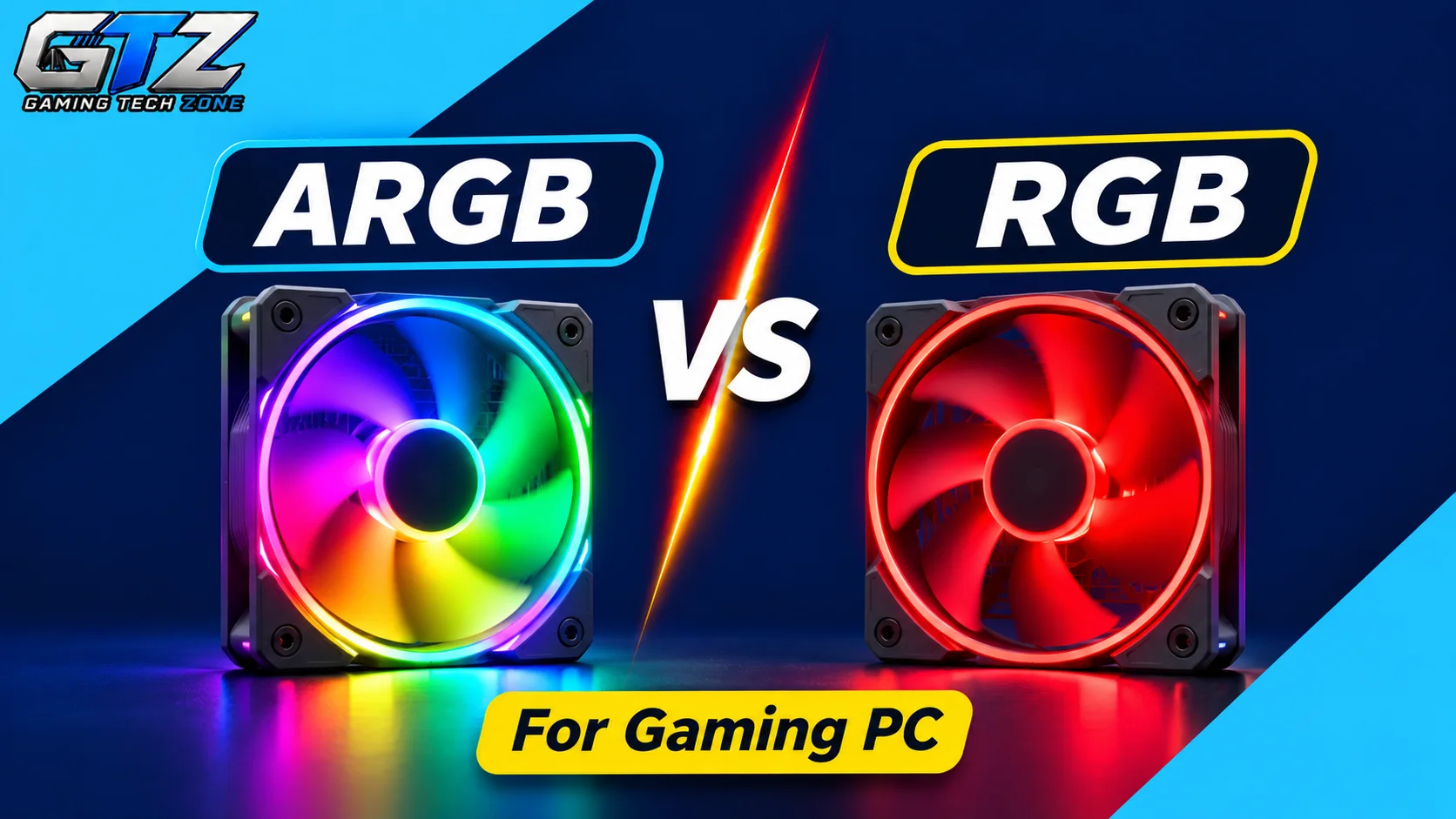
Confused about choosing between ARGB and RGB lighting for your gaming PC? I recommend you go with ARGB if your motherboard supports it.
No doubt, RGB lighting can make your gaming PC look more attractive with different colors and lighting effects. Still, ARGB takes customization to another level by allowing you to control individual LEDs separately.
And I am not saying standard RGB lighting is totally useless, as it is generally cheaper and provides a clean, consistent lighting appearance. Both types have their own perks and trade-offs.
In this guide, I am going to provide a complete ARGB vs RGB comparison, so you can decide which lighting technology can be the best pick for your gaming PC.
ARGB vs RGB Quick Comparison
Before looking at each technology in detail, here is a quick comparison of the main differences.
| Feature | RGB | ARGB |
|---|---|---|
| Full Form | Red, Green, Blue | Addressable Red, Green, Blue |
| Voltage | 12V | 5V |
| Connector | 4-pin | 3-pin |
| LED Control | All LEDs display the same color | Individual LEDs can display different colors |
| Lighting Effects | Basic colors and transitions | Rainbow, waves, gradients, and custom patterns |
| Customization | Limited | More advanced |
| Price | Usually cheaper | Often more expensive |
| Compatibility | Requires a 12V RGB header or compatible controller | Requires a 5V ARGB header or compatible controller |
| Best For | Simple and budget-friendly lighting | Custom gaming PC lighting |
ARGB offers more lighting customization and advanced effects. However, standard RGB remains a good option for gamers who prefer simple lighting and want to keep costs down.
What Is RGB Lighting?
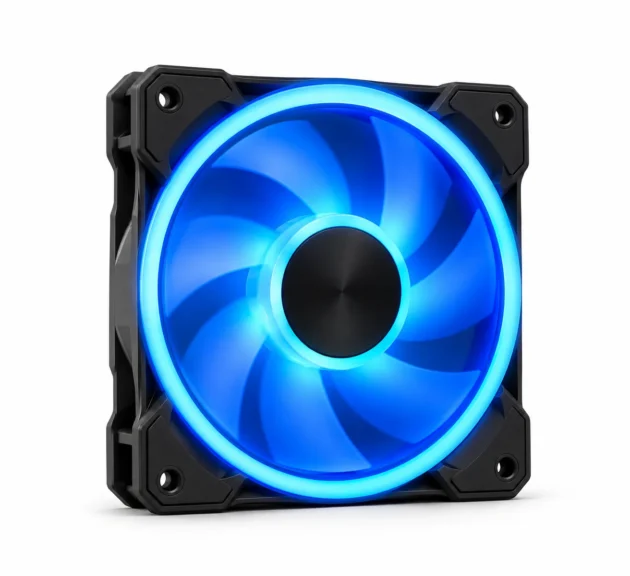
RGB stands for Red, Green, and Blue. It is a lighting technology that combines these three primary colors to produce different shades and colors.
In gaming PCs, RGB lighting is commonly found in case fans, LED strips, keyboards, RAM, CPU coolers, and other components.
Traditional PC RGB lighting typically uses a 12V 4-pin connector. All LEDs connected to the same lighting channel generally display the same color at a time.
For example, if you set your RGB case fans to blue, all the LEDs connected to that channel will glow blue together. You can still use effects such as breathing, fading, and color cycling, but you cannot independently assign a different color to every LED.
Advantages of RGB Lighting
- Affordable: RGB components are often cheaper than their ARGB alternatives, making them suitable for budget gaming PC builds.
- Simple Setup: Traditional RGB lighting is relatively straightforward to configure when you have a compatible motherboard header.
- Clean Appearance: A single lighting color can create a simple and consistent look.
- Suitable for Basic Customization: You can change colors and use common lighting effects without needing advanced per-LED control.
Disadvantages of RGB Lighting
- Limited Customization: All LEDs on the same lighting channel generally display one color together.
- Fewer Advanced Effects: You cannot create the same individual LED animations and gradients available with ARGB.
- Less Flexibility: It is not the best choice if you want detailed lighting patterns across your fans and LED strips.
RGB is a practical option if you want basic lighting without spending extra money on advanced effects.
What Is ARGB Lighting?
ARGB stands for Addressable Red, Green, and Blue. It is an advanced version of traditional RGB lighting that allows individual LEDs to be controlled separately.
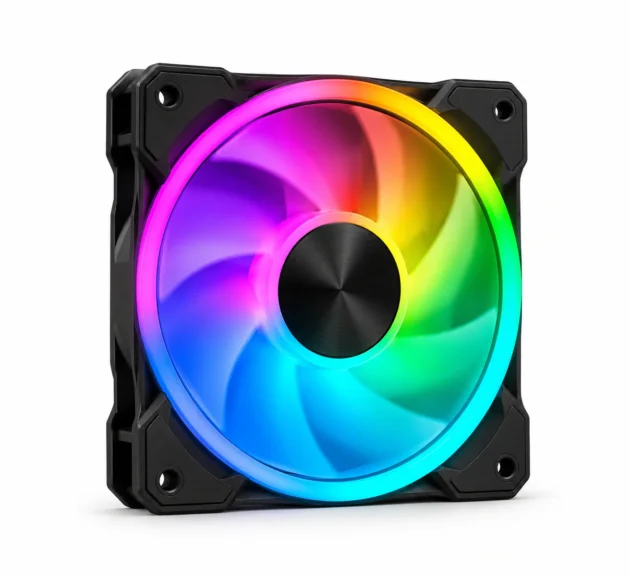
Unlike standard RGB, ARGB can display multiple colors on the same component at the same time. Each addressable LED can receive its own lighting instructions, allowing more complex patterns and animations.
ARGB components commonly use a 5V 3-pin connector. This connection includes a data signal that allows the lighting controller to communicate with individual LEDs.
For example, an ARGB fan can display a rainbow effect with different colors moving around the fan ring. You can also create flowing waves, gradients, and other custom lighting patterns.
Advantages of ARGB Lighting
- Individual LED Control: Each addressable LED can display a different color.
- Advanced Lighting Effects: You can create rainbow patterns, flowing waves, gradients, and animated effects.
- Better Customization: ARGB gives you more control over the appearance of your gaming PC.
- Dynamic Appearance: Multiple colors and animations can make your PC look more visually interesting.
- Lighting Synchronization: Compatible ARGB components can synchronize their effects through supported motherboard software or controllers.
Disadvantages of ARGB Lighting
- Higher Cost: ARGB fans and other lighting components can cost more than standard RGB alternatives.
- Compatibility Requirements: You need a compatible 5V ARGB header or a suitable external controller.
- More Setup Options: Advanced lighting effects may require additional configuration and software.
- Potential Software Complexity: Mixing different lighting brands and control systems can make synchronization more difficult.
ARGB vs RGB: Which One Should You Choose?
If you ask for my recommendation, I will straightforwardly ask you to choose ARGB lighting for gaming PCs, because it offers:
- Individual LED control
- More advanced lighting effects
- Greater customization options
RGB lighting, on the other hand, provides simple color control, easier setup, and generally lower prices. Thus, the right choice depends on factors such as lighting effects, connector type, voltage, motherboard compatibility, price, and personal preferences.
Complete ARGB vs RGB Comparison for Gaming PCs
| Factors | RGB | ARGB | Winner |
|---|---|---|---|
| Lighting Control | All LEDs display the same color | Individual LED control | ARGB |
| Lighting Effects | Basic lighting effects | Advanced animations and patterns | ARGB |
| Connector & Voltage | 12V 4-pin | 5V 3-pin | Depends on Compatibility |
| Customization | Limited customization | Extensive customization | ARGB |
| Motherboard Compatibility | Requires a 12V RGB header or controller | Requires a 5V ARGB header or controller | Depends on Needs |
| Price & Value | Usually more affordable | Often costs more | RGB |
| Installation | Simple lighting setup | May require additional configuration | RGB |
| Software Control | Basic color adjustments | Individual LED control and effects | ARGB |
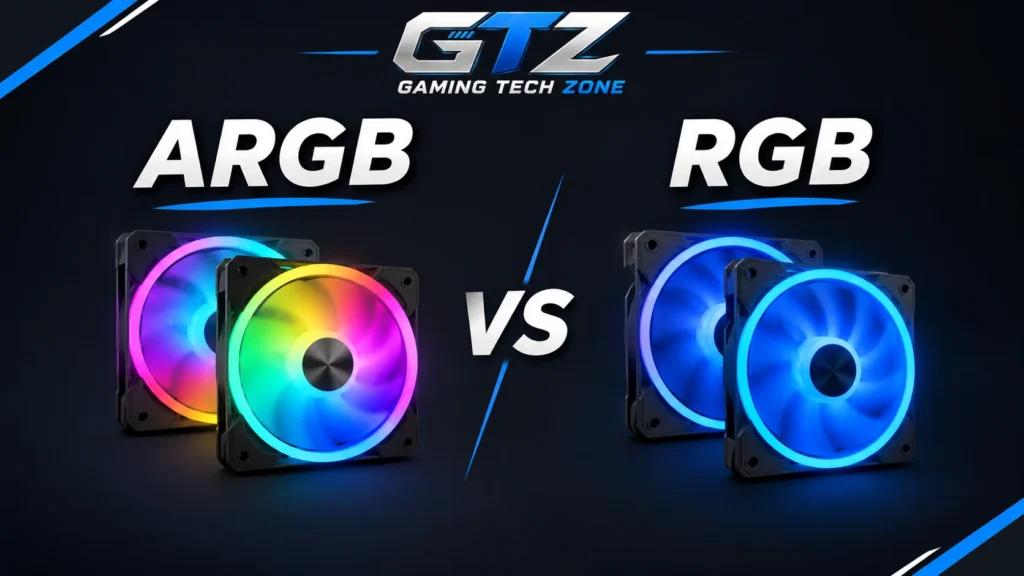
This comparison explores the key differences between RGB and ARGB lighting to help you understand which option suits your gaming PC setup.
1. Lighting Control
- RGB: Uses a shared lighting channel, meaning all connected LEDs generally display the same color at a time.
- ARGB: Allows individual LEDs to display different colors simultaneously, giving you more control over the lighting appearance.
Winner: ARGB
2. Lighting Effects
- RGB: Supports basic lighting effects such as static colors, breathing, fading, and color cycling.
- ARGB: Supports advanced lighting effects such as rainbow patterns, flowing waves, gradients, and individually animated LEDs.
Winner: ARGB
3. Connector and Voltage
- RGB: Uses a 12V 4-pin connector to power and control traditional RGB lighting.
- ARGB: Commonly uses a 5V 3-pin connector with a data signal that allows individual LED control.
Winner: Depends on Compatibility
Note: Both connectors work well with compatible hardware, but you must check your motherboard and component specifications before connecting them.
4. Customization
- RGB: Provides basic customization options, allowing you to select colors and apply lighting effects across connected LEDs.
- ARGB: Offers greater customization because you can control individual LEDs and create different lighting patterns across the same component.
Winner: ARGB
5. Motherboard Compatibility
- RGB: Requires a compatible 12V 4-pin RGB header or an appropriate external controller to manage the lighting.
- ARGB: Requires a compatible 5V 3-pin ARGB header or a suitable external controller to control addressable lighting.
Winner: Depends on Needs
Motherboard compatibility is essential when choosing RGB or ARGB components.
A motherboard may include a 12V RGB header, a 5V ARGB header, both, or neither. You should check the specifications before purchasing fans, LED strips, or other illuminated components.
Common motherboard lighting labels include:
- RGB: Often identifies a 12V RGB header.
- ARGB: Commonly identifies a 5V addressable lighting header.
- ADD_HEADER: A label used by some motherboard manufacturers for addressable lighting.
- JRAINBOW: A name used on some MSI motherboards for 5V ARGB headers.
- D_LED: A label used on some Gigabyte motherboards for addressable lighting.
These labels vary by manufacturer and motherboard model, so always check your manual.
6. Price and Value
- RGB: RGB fans, LED strips, and other lighting components are generally more affordable, making them suitable for budget gaming PC builds.
- ARGB: ARGB components often cost more because they include addressable LEDs and support more advanced lighting effects.
Winner: RGB
7. Installation
- RGB: Offers a straightforward installation process when connected to a compatible 12V RGB header or controller.
- ARGB: Is also relatively easy to install, but may require additional configuration, a compatible controller, or software to manage advanced lighting effects.
Winner: RGB
8. Software Control
- RGB: Allows you to change colors and control basic lighting effects through compatible motherboard software or a dedicated controller.
- ARGB: Provides more detailed software control, allowing you to customize individual LEDs and create advanced lighting patterns when supported by the hardware.
Winner: ARGB
9. Power Consumption and Efficiency
- RGB: Uses a 12V lighting connection, and its power consumption depends on the number of LEDs and their brightness.
- ARGB: Uses a 5V lighting connection, and its power consumption also depends on the number of LEDs, brightness, and lighting effects.
Winner: Depends on Needs
Note: Neither technology is automatically more power-efficient. Actual power consumption depends on the lighting hardware and how you use it.
10. Gaming Experience
- RGB: Provides a simple and attractive lighting appearance that can make your gaming setup look more personalized.
- ARGB: Offers more dynamic lighting effects and customization, which can make your gaming PC look more visually impressive.
Winner: ARGB
5V 3-Pin ARGB vs 12V 4-Pin RGB: What Is the Difference?
This is one of the most important things to understand when choosing between ARGB and RGB for your gaming PC.
- A standard 12V RGB connection uses separate red, green, and blue channels. The connected LEDs generally receive the same color instructions.
- A 5V ARGB connection includes a data signal that allows compatible hardware to control individual LEDs separately.
Here is a quick breakdown:
| Connector | Voltage | Pins | Lighting Control |
|---|---|---|---|
| RGB | 12V | 4-pin | All LEDs on the channel change together |
| ARGB | 5V | 3-pin | Individual LEDs can display different colors |
The main difference is how they communicate with the LEDs. Traditional RGB controls the red, green, and blue channels together, while ARGB uses an additional data signal to control individual LEDs.
Can You Use ARGB and RGB Together in a Gaming PC?
Yes, you can use both ARGB and RGB components in the same gaming PC, provided you have the correct compatible headers or controllers.
For example, you can install ARGB case fans alongside standard RGB components. However, both lighting types require their own compatible connections.
A motherboard with both 5V ARGB and 12V RGB headers makes this easier. If your motherboard does not have the required connections, you can use suitable external controllers.
Just remember that a basic splitter or hub does not automatically convert RGB into ARGB or the other way around. Always check the controller’s supported voltage and lighting standard before connecting your components.
Final Thoughts
Both ARGB and RGB lighting can make your gaming PC look more attractive. RGB provides simple lighting effects, straightforward control, and generally better affordability. It is particularly suitable for gamers who want a clean and consistent lighting appearance.
ARGB offers individual LED control, advanced lighting effects, and greater customization. It is a better choice for gamers who want rainbow patterns, flowing animations, and a more personalized gaming setup.
- If you prioritize affordability, simplicity, and basic lighting effects, standard RGB is a practical choice.
- If you prioritize customization, advanced lighting effects, and individual LED control, ARGB is the better option.
The best option ultimately depends on your motherboard compatibility, budget, and the type of lighting you want for your gaming PC.
